Command Palette

Search for a command to run...

Интеграция Authorize.net в витрину магазина

Для интеграции платёжного провайдера Authorize.net в storefront Medusa DTC Starter от Gorgo начните с добавления необходимых UI-компонентов. Таким образом провайдер будет отображаться на странице оформления заказа наряду с другими доступными методами оплаты.

Покупатель вводит карту в собственной форме на странице оформления заказа, а витрина передаёт её в Accept.js, скрипт Authorize.net, который возвращает одноразовый токен карты. Выбор Authorize.net не отправляет запросов. Когда покупатель платит, витрина получает токен, запускает с ним платёжную сессию и завершает корзину, а провайдер проводит транзакцию в момент создания заказа. Google Pay в ряду экспресс-оплаты платит так же, только с токеном Google Pay.

Номер карты уходит из браузера покупателя прямо в Authorize.net и не попадает на ваш сервер. Но поля карты находятся на вашей странице, поэтому Authorize.net относит такую интеграцию к типу SAQ A-EP по PCI DSS, как сказано в его руководстве по Accept.js.

Для витрины на Next.js необходимо внести следующие изменения:

Шаг 1: Настройте платёжный провайдер

Сопоставление платёжных провайдеров в файле констант витрины определяет, как каждый провайдер выглядит на странице оформления заказа.

Откройте и добавьте запись и функцию :
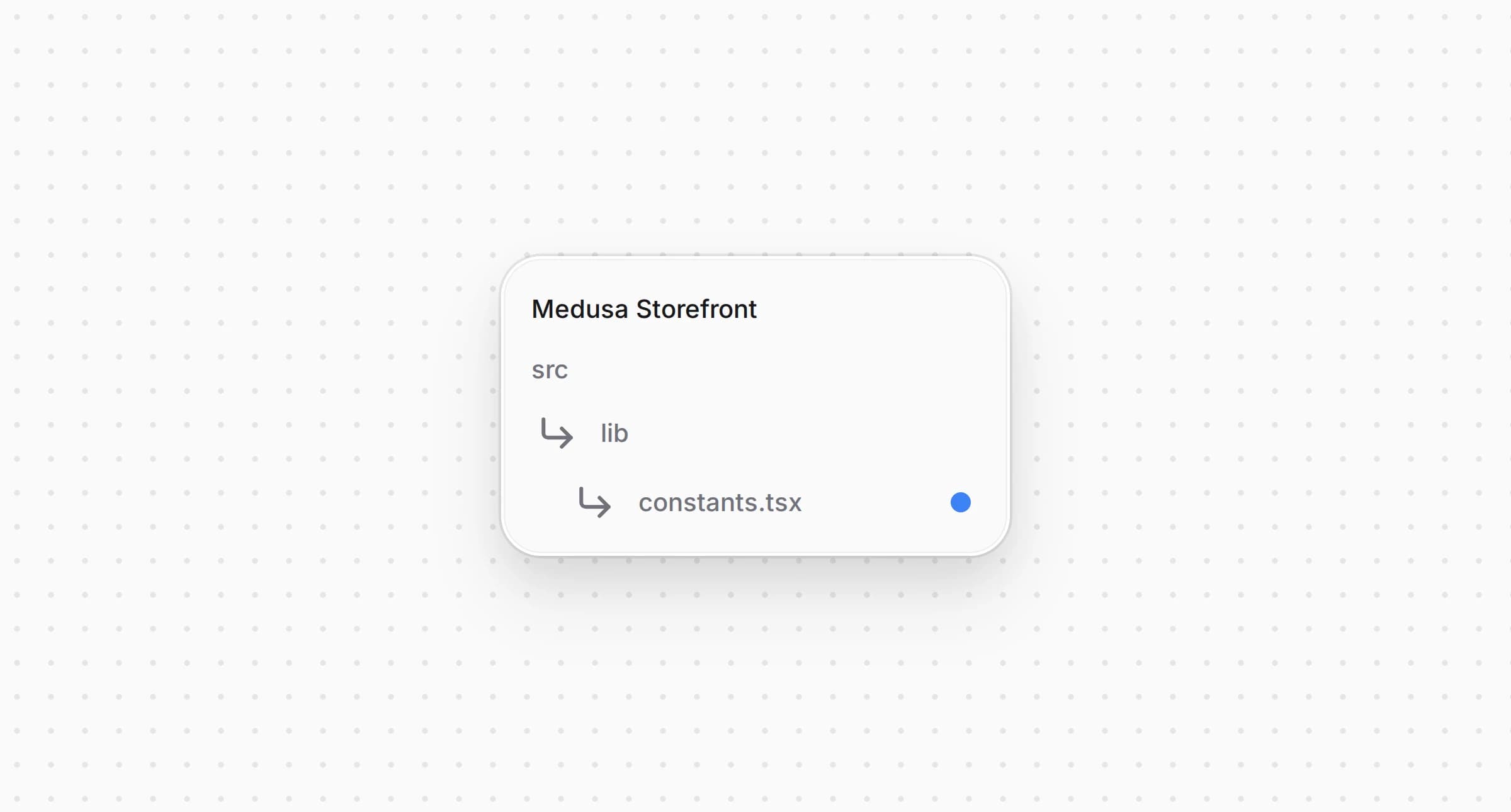
Структура каталогов витрины Medusa после изменения файла констант

src/lib/constants.tsx
1export const paymentInfoMap: Record<string, PaymentInfo> = {
2 pp_authorizenet_authorizenet: {
3 title: "Authorize.net",
4 subtitle: "Cards",
5 icon: <CreditCard />,
6 },
7 // ...
8}
9
10// ...
11
12export const isAuthorizeNet = (providerId?: string) => {
13 return providerId?.startsWith("pp_authorizenet_")
14}

Запись задаёт заголовок, подзаголовок и иконку Authorize.net на странице оформления заказа и служит резервным значением, когда в локали нет перевода.

Функция проверяет, относится ли к Authorize.net. Ею пользуются страница, секция оплаты, кнопка оплаты и ряд экспресс-оплаты.


Шаг 2: Запустите платёжную сессию с кнопки оплаты

Оформление заказа запускает платёжную сессию сразу, как только покупатель выбирает способ оплаты, если запись способа не помечена . Authorize.net нужен в сессии токен карты, а токен появляется только в момент оплаты, поэтому его сессию запускает кнопка оплаты.

Откройте тот же и добавьте запись в функции сборки данных платёжной сессии:

Структура каталогов витрины Medusa после изменения файла констант

src/lib/constants.tsx
1const paymentSessionDataBuilders: Array<{
2 // ...
3}> = [
4 {
5 // The pay button turns the card into a one-time Accept.js token and starts the session with
6 // it right before the order is placed, so picking Authorize.net makes no request.
7 test: isAuthorizeNet,
8 deferred: true,
9 },
10]

С ни выбор Authorize.net, ни изменение корзины не запускают сессию, а кнопка оплаты ждёт только контакты, адреса и доставку. В сессии нет ничего, кроме токена. Сумму провайдер берёт из Medusa, а email и адреса из корзины.


Шаг 3: Загрузите настройки Authorize.net

Accept.js нужны API Login ID и Public Client Key вашего аккаунта, а кнопке Google Pay нужны настройки Google Pay. Плагин отдаёт их по , поэтому витрина не хранит их в своих переменных окружения.
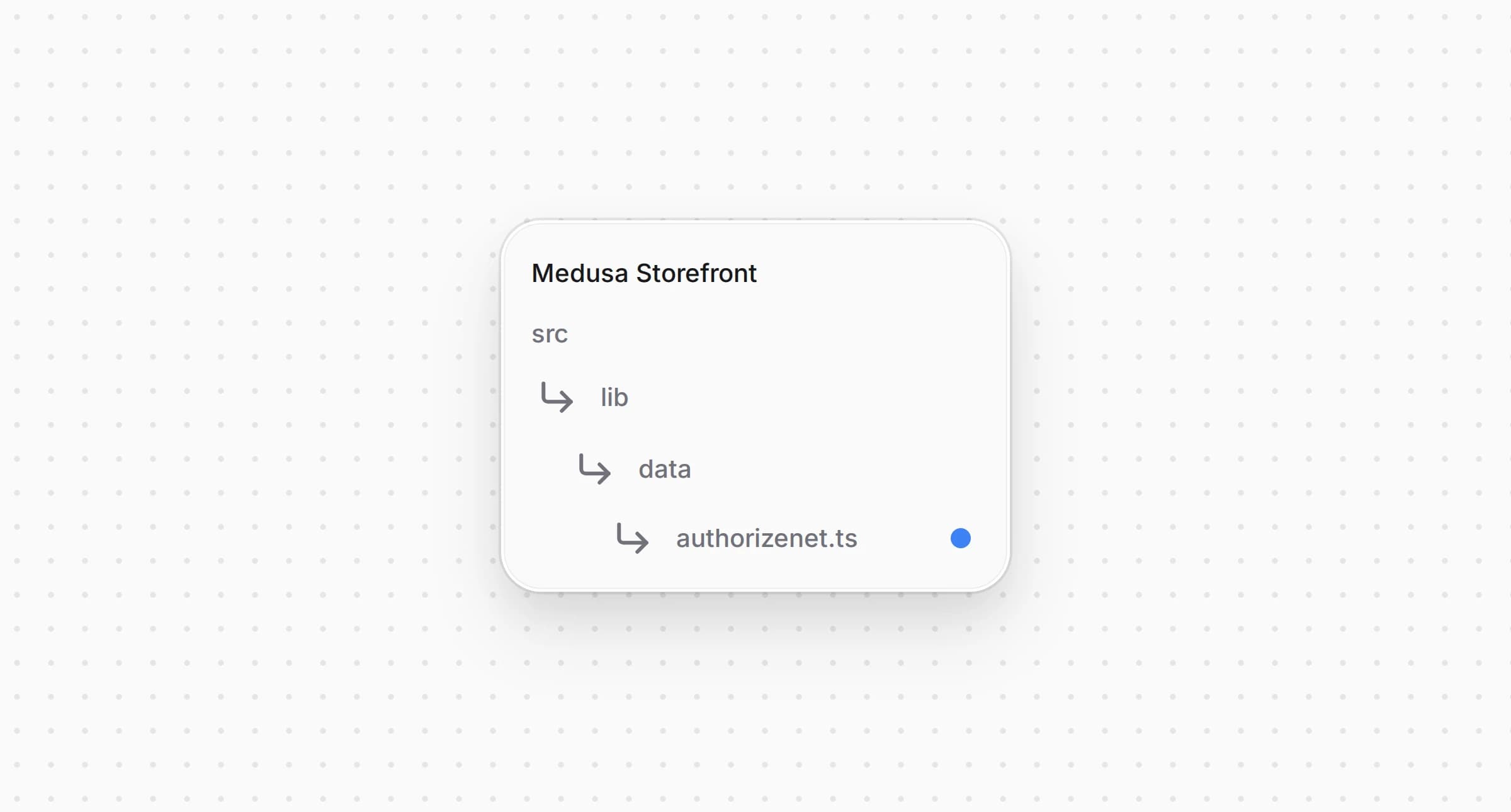
Создайте :

Структура каталогов витрины Medusa после создания файла с настройками Authorize.net

src/lib/data/authorizenet.ts
1"use server"
2
3import { sdk } from "@lib/config"
4
5/** What the storefront needs to run Accept.js and the Google Pay button, from `GET /store/authorizenet/config`. */
6export type AuthorizeNetConfig = {
7 provider_id: string
8 environment: "sandbox" | "production"
9 /** Accept.js sends the API Login ID and the Public Client Key in `authData`. Both are public by design. */
10 api_login_id: string
11 client_key: string
12 /** `null` while Google Pay is off in the Admin. */
13 google_pay: {
14 environment: "TEST" | "PRODUCTION"
15 gateway_merchant_id: string
16 merchant_id: string | null
17 } | null
18}
19
20/**
21 * The public Authorize.net settings of the only Authorize.net integration, or null while it is not
22 * configured. They change only in the Admin, so the answer is cached for a minute.
23 */
24export async function getAuthorizeNetConfig(): Promise<AuthorizeNetConfig | null> {
25 return sdk.client
26 .fetch<{ config: AuthorizeNetConfig }>("/store/authorizenet/config", {
27 method: "GET",
28 next: { revalidate: 60 },
29 })
30 .then(({ config }) => config)
31 .catch(() => null)
32}

возвращает публичные настройки интеграции Authorize.net или , если она не настроена в Medusa Admin или настройки не удалось получить. API Login ID и Public Client Key публичны по замыслу Authorize.net, потому что Accept.js отправляет их из браузера, а секретов в ответе нет.


Шаг 4: Проверьте карту и получите токен

Кнопка оплаты проверяет поля карты и превращает их в токен. Эта логика находится в двух небольших файлах.
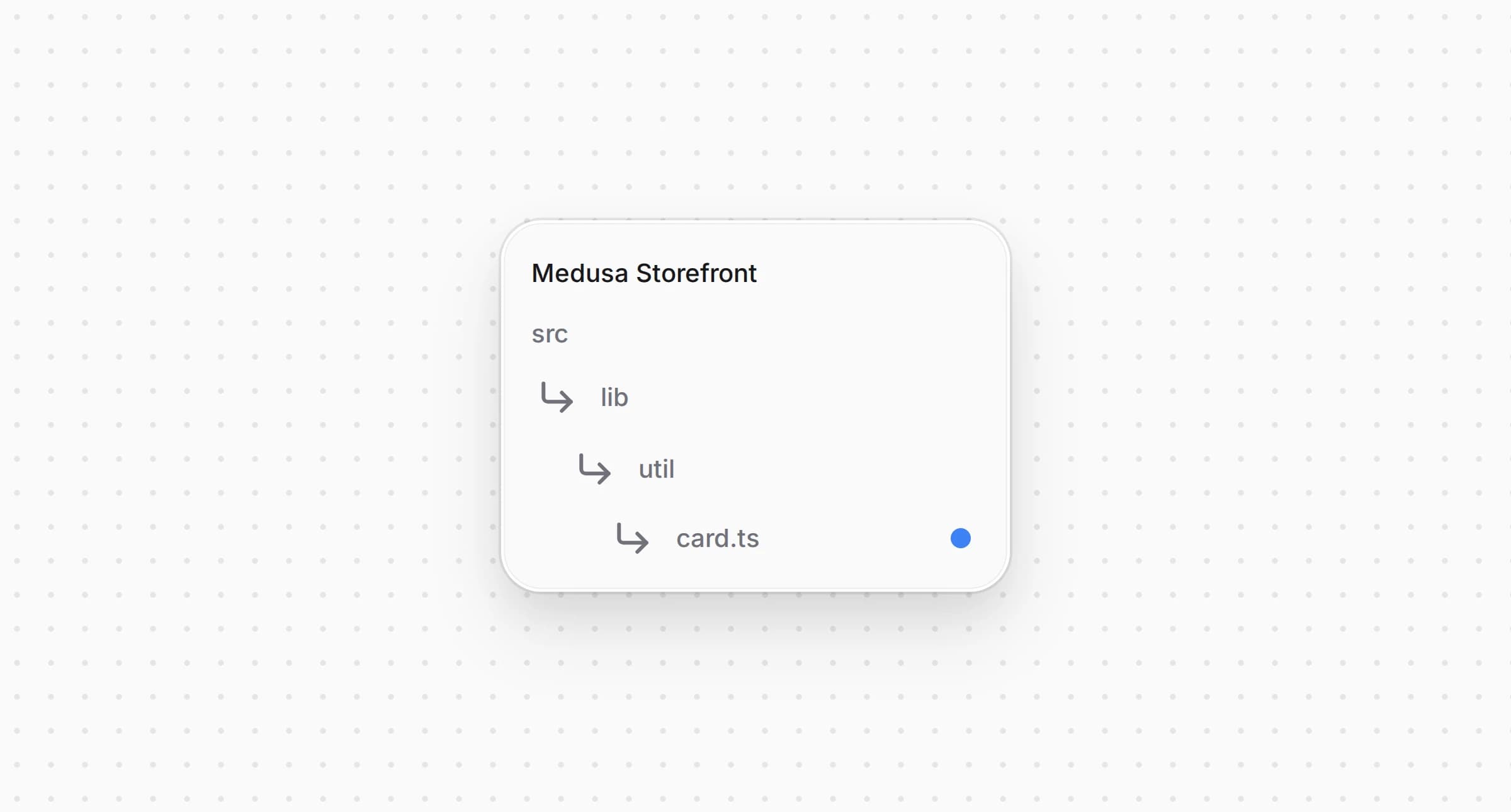
Создайте :

Структура каталогов витрины Medusa после создания файла с полями карты

src/lib/util/card.ts
1/** The card fields of the Authorize.net form, as the customer typed them. */
2export type CardFields = {
3 number: string
4 expiry: string
5 cvc: string
6}
7
8export const EMPTY_CARD: CardFields = { number: "", expiry: "", cvc: "" }
9
10/** A problem with the card fields, named after its key in the `AuthorizeNetCard` catalog. */
11export type CardProblem = "invalidNumber" | "invalidExpiry" | "invalidCvc"
12
13export const digitsOnly = (value: string) => value.replace(/\D/g, "")
14
15/** Groups the digits by four, the way a card shows them: `4111 1111 1111 1111`. */
16export const formatCardNumber = (value: string) =>
17 digitsOnly(value)
18 .slice(0, 19)
19 .replace(/(\d{4})(?=\d)/g, "$1 ")
20
21/** `MM / YY` as the customer types it. */
22export const formatExpiry = (value: string) => {
23 const digits = digitsOnly(value).slice(0, 4)
24 return digits.length > 2 ? `${digits.slice(0, 2)} / ${digits.slice(2)}` : digits
25}
26
27/** The Luhn checksum every card number carries in its last digit. */
28export const passesLuhn = (digits: string) => {
29 let sum = 0
30 for (let i = 0; i < digits.length; i++) {
31 let digit = Number(digits[digits.length - 1 - i])
32 if (i % 2 === 1) {
33 digit *= 2
34 if (digit > 9) digit -= 9
35 }
36 sum += digit
37 }
38 return digits.length > 0 && sum % 10 === 0
39}
40
41/** The month and the four-digit year of `MM / YY`, or null when it is not a date. */
42export const parseExpiry = (value: string) => {
43 const digits = digitsOnly(value)
44 if (digits.length !== 4) {
45 return null
46 }
47 const month = Number(digits.slice(0, 2))
48 if (month < 1 || month > 12) {
49 return null
50 }
51 return { month: digits.slice(0, 2), year: `20${digits.slice(2)}` }
52}
53
54/**
55 * The first problem with the card fields, or null when they can go to Accept.js. The checks are
56 * the ones Accept.js makes itself, done first so the customer reads them in their language.
57 */
58export const findCardProblem = (card: CardFields, now = new Date()): CardProblem | null => {
59 const number = digitsOnly(card.number)
60 if (number.length < 13 || number.length > 19 || !passesLuhn(number)) {
61 return "invalidNumber"
62 }
63 const expiry = parseExpiry(card.expiry)
64 const thisMonth = now.getFullYear() * 12 + now.getMonth() + 1
65 if (!expiry || Number(expiry.year) * 12 + Number(expiry.month) < thisMonth) {
66 return "invalidExpiry"
67 }
68 if (!/^\d{3,4}$/.test(card.cvc)) {
69 return "invalidCvc"
70 }
71 return null
72}

и форматируют поля по мере ввода. повторяет проверки самого Accept.js, контрольную сумму Луна, срок действия в будущем и код безопасности из трёх или четырёх цифр, чтобы покупатель увидел ошибку на своём языке до того, как что-то уйдёт со страницы.
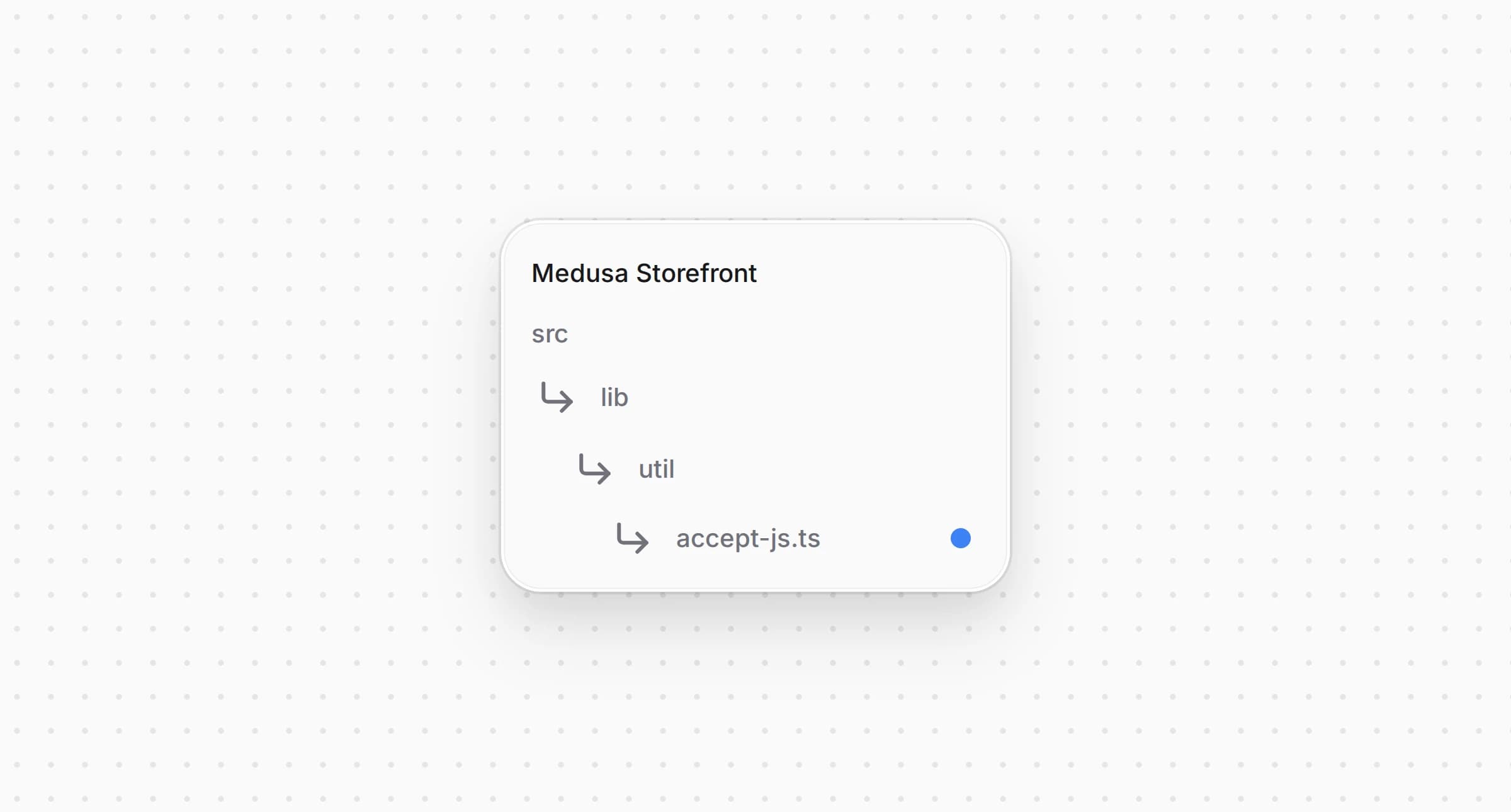
Создайте :

Структура каталогов витрины Medusa после создания файла с Accept.js

src/lib/util/accept-js.ts
1import { digitsOnly, parseExpiry, type CardFields } from "@lib/util/card"
2
3/** The one-time token Accept.js returns for a card, which the backend charges. */
4export type OpaqueData = {
5 dataDescriptor: string
6 dataValue: string
7}
8
9type AcceptResponse = {
10 messages: {
11 resultCode: "Ok" | "Error"
12 message: { code: string; text: string }[]
13 }
14 opaqueData?: OpaqueData
15}
16
17type AcceptJs = {
18 dispatchData: (
19 secureData: {
20 authData: { clientKey: string; apiLoginID: string }
21 cardData: { cardNumber: string; month: string; year: string; cardCode: string }
22 },
23 responseHandler: (response: AcceptResponse) => void
24 ) => void
25}
26
27declare global {
28 interface Window {
29 Accept?: AcceptJs
30 }
31}
32
33/** Accept.js from Authorize.net. It has to load from their domain; it cannot be bundled. */
34export const ACCEPT_JS_URLS = {
35 sandbox: "https://jstest.authorize.net/v1/Accept.js",
36 production: "https://js.authorize.net/v1/Accept.js",
37} as const
38
39/** An Accept.js failure, named after its key in the `AuthorizeNetCard` catalog. */
40export type AcceptProblem = "invalidNumber" | "invalidExpiry" | "invalidCvc" | "insecure" | "tokenError"
41
42/** Accept.js error codes the customer can do something about. Every other code is `tokenError`. */
43const PROBLEMS: Record<string, AcceptProblem> = {
44 E_WC_02: "insecure",
45 E_WC_05: "invalidNumber",
46 E_WC_06: "invalidExpiry",
47 E_WC_07: "invalidExpiry",
48 E_WC_08: "invalidExpiry",
49 E_WC_15: "invalidCvc",
50}
51
52export class AcceptError extends Error {
53 constructor(
54 readonly problem: AcceptProblem,
55 readonly code?: string
56 ) {
57 super(code ? `Accept.js ${code}` : "Accept.js failed")
58 }
59}
60
61/**
62 * Sends the card to Authorize.net and resolves with the token. The card number never reaches the
63 * shop's server: only the token does, and it is good for one transaction within 15 minutes.
64 */
65export function createCardToken(
66 card: CardFields,
67 auth: { apiLoginId: string; clientKey: string }
68): Promise<OpaqueData> {
69 const accept = typeof window === "undefined" ? undefined : window.Accept
70 const expiry = parseExpiry(card.expiry)
71 if (!accept) {
72 return Promise.reject(new AcceptError("tokenError"))
73 }
74 if (!expiry) {
75 return Promise.reject(new AcceptError("invalidExpiry"))
76 }
77
78 return new Promise((resolve, reject) => {
79 accept.dispatchData(
80 {
81 authData: { clientKey: auth.clientKey, apiLoginID: auth.apiLoginId },
82 cardData: {
83 cardNumber: digitsOnly(card.number),
84 month: expiry.month,
85 year: expiry.year,
86 cardCode: card.cvc,
87 },
88 },
89 (response) => {
90 if (response.messages.resultCode === "Ok" && response.opaqueData) {
91 resolve(response.opaqueData)
92 return
93 }
94 const code = response.messages.message?.[0]?.code
95 reject(new AcceptError(PROBLEMS[code ?? ""] ?? "tokenError", code))
96 }
97 )
98 })
99}

вызывает с картой и двумя публичными значениями и возвращает токен . Коды ошибок Accept.js, которые покупатель может исправить, функция сопоставляет с теми же ошибками, что и , а для страницы без HTTPS возвращает . Все остальные коды превращаются в .


Шаг 5: Загрузите Accept.js на странице оформления заказа

Accept.js загружается только с домена Authorize.net, а форма карты и кнопка оплаты находятся в разных частях оформления заказа. Обёртка вокруг оформления загружает скрипт и хранит карту для них обеих.
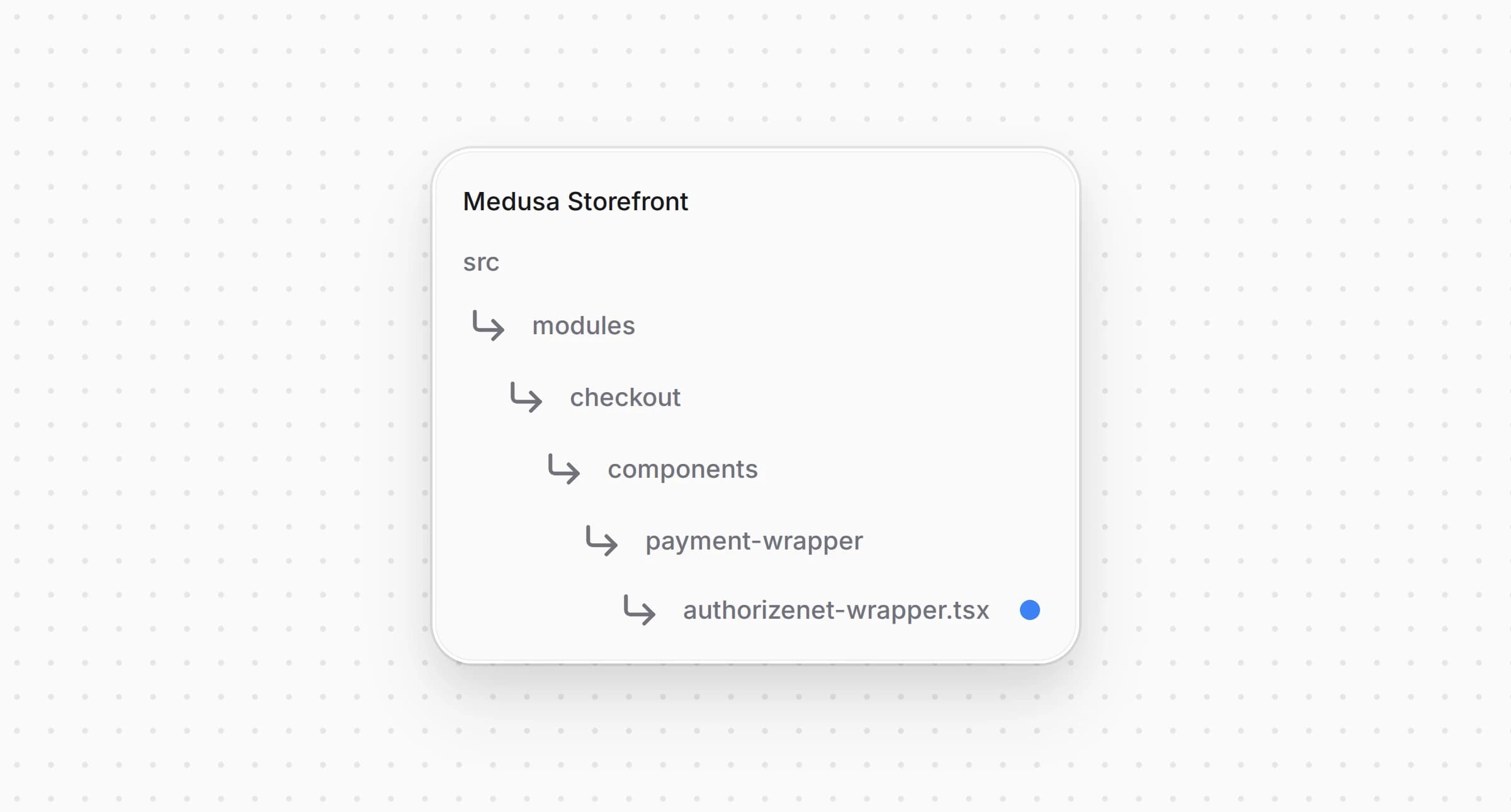
Создайте :

Структура каталогов витрины Medusa после создания файла с обёрткой Authorize.net

src/modules/checkout/components/payment-wrapper/authorizenet-wrapper.tsx
1"use client"
2
3import type { AuthorizeNetConfig } from "@lib/data/authorizenet"
4import { ACCEPT_JS_URLS } from "@lib/util/accept-js"
5import { EMPTY_CARD, type CardFields } from "@lib/util/card"
6import Script from "next/script"
7import { createContext, useContext, useMemo, useState } from "react"
8
9type AuthorizeNetState = {
10 config: AuthorizeNetConfig
11 /** Accept.js has loaded and `window.Accept` can take a card. */
12 acceptReady: boolean
13 /** The card the customer is typing. The form writes it, the pay button reads it. */
14 card: CardFields
15 setCard: (card: CardFields) => void
16}
17
18const AuthorizeNetContext = createContext<AuthorizeNetState | null>(null)
19
20/** The Authorize.net settings and the card form's state, or null outside a checkout that takes Authorize.net. */
21export const useAuthorizeNet = () => useContext(AuthorizeNetContext)
22
23type AuthorizeNetWrapperProps = {
24 config: AuthorizeNetConfig
25 children: React.ReactNode
26}
27
28/**
29 * Loads Accept.js and holds the card form's fields, so the form in the payment section and the
30 * pay button below it share one card. The card stays in this page's memory: Accept.js sends it to
31 * Authorize.net and the shop's server only ever gets the token.
32 */
33const AuthorizeNetWrapper: React.FC<AuthorizeNetWrapperProps> = ({ config, children }) => {
34 const [acceptReady, setAcceptReady] = useState(
35 () => typeof window !== "undefined" && !!window.Accept
36 )
37 const [card, setCard] = useState<CardFields>(EMPTY_CARD)
38
39 const value = useMemo(
40 () => ({ config, acceptReady, card, setCard }),
41 [config, acceptReady, card]
42 )
43
44 return (
45 <AuthorizeNetContext.Provider value={value}>
46 <Script
47 src={ACCEPT_JS_URLS[config.environment]}
48 strategy="afterInteractive"
49 charSet="utf-8"
50 onReady={() => setAcceptReady(true)}
51 />
52 {children}
53 </AuthorizeNetContext.Provider>
54 )
55}
56
57export default AuthorizeNetWrapper

Обёртка загружает Accept.js песочницы или продакшена в зависимости от окружения в настройках и отмечает его готовым, когда появляется . отдаёт форме карты и кнопке оплаты настройки и карту и возвращает вне оформления заказа, где Authorize.net не принимают.

Откройте и замените его код следующим:
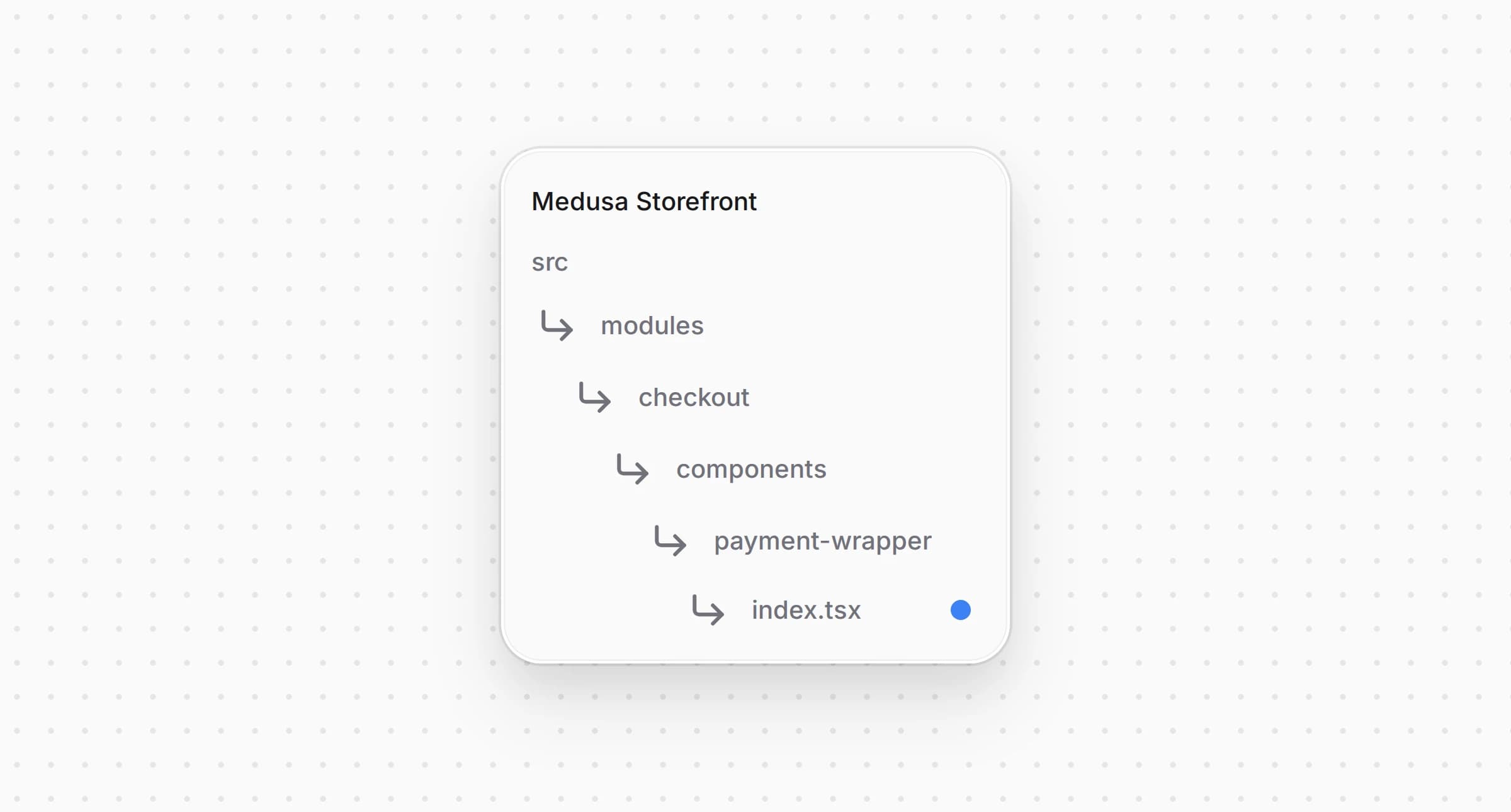
Структура каталогов витрины Medusa после изменения файла с платёжной обёрткой

src/modules/checkout/components/payment-wrapper/index.tsx
1"use client"
2
3import { loadStripe } from "@stripe/stripe-js/pure"
4import type React from "react"
5import StripeWrapper from "./stripe-wrapper"
6import AuthorizeNetWrapper from "./authorizenet-wrapper"
7import type { HttpTypes } from "@medusajs/types"
8import { isStripeLike } from "@lib/constants"
9import type { AuthorizeNetConfig } from "@lib/data/authorizenet"
10
11type PaymentWrapperProps = {
12 cart: HttpTypes.StoreCart
13 /** The Authorize.net settings, when the cart's region takes Authorize.net. */
14 authorizeNetConfig?: AuthorizeNetConfig | null
15 children: React.ReactNode
16}
17
18const stripeKey =
19 process.env.NEXT_PUBLIC_STRIPE_KEY ||
20 process.env.NEXT_PUBLIC_MEDUSA_PAYMENTS_PUBLISHABLE_KEY
21
22const medusaAccountId = process.env.NEXT_PUBLIC_MEDUSA_PAYMENTS_ACCOUNT_ID
23const stripePromise = stripeKey
24 ? loadStripe(
25 stripeKey,
26 medusaAccountId ? { stripeAccount: medusaAccountId } : undefined
27 )
28 : null
29
30/**
31 * Wraps the checkout in what the cart's payment providers need on the page. Authorize.net loads
32 * Accept.js and shares the card form with the pay button, so it wraps the whole checkout whenever
33 * the region takes it and there is something to pay.
34 */
35const PaymentWrapper: React.FC<PaymentWrapperProps> = ({
36 cart,
37 authorizeNetConfig,
38 children,
39}) => {
40 const content = (
41 <StripeOrPlain cart={cart}>{children}</StripeOrPlain>
42 )
43
44 if (authorizeNetConfig && (cart.total ?? 0) > 0) {
45 return (
46 <AuthorizeNetWrapper config={authorizeNetConfig}>
47 {content}
48 </AuthorizeNetWrapper>
49 )
50 }
51
52 return content
53}
54
55const StripeOrPlain: React.FC<{
56 cart: HttpTypes.StoreCart
57 children: React.ReactNode
58}> = ({ cart, children }) => {
59 const paymentSession = cart.payment_collection?.payment_sessions?.find(
60 (s) => s.status === "pending"
61 )
62
63 if (
64 isStripeLike(paymentSession?.provider_id) &&
65 paymentSession &&
66 stripePromise
67 ) {
68 return (
69 <StripeWrapper
70 paymentSession={paymentSession}
71 stripeKey={stripeKey}
72 stripePromise={stripePromise}
73 >
74 {children}
75 </StripeWrapper>
76 )
77 }
78
79 return <div>{children}</div>
80}
81
82export default PaymentWrapper

Платёжная обёртка помещает всё оформление заказа в обёртку Authorize.net, когда получает настройки, а в корзине есть что оплатить. Обёртка Stripe из стартера остаётся внутри неё без изменений.

Откройте и передайте настройки в обёртку:
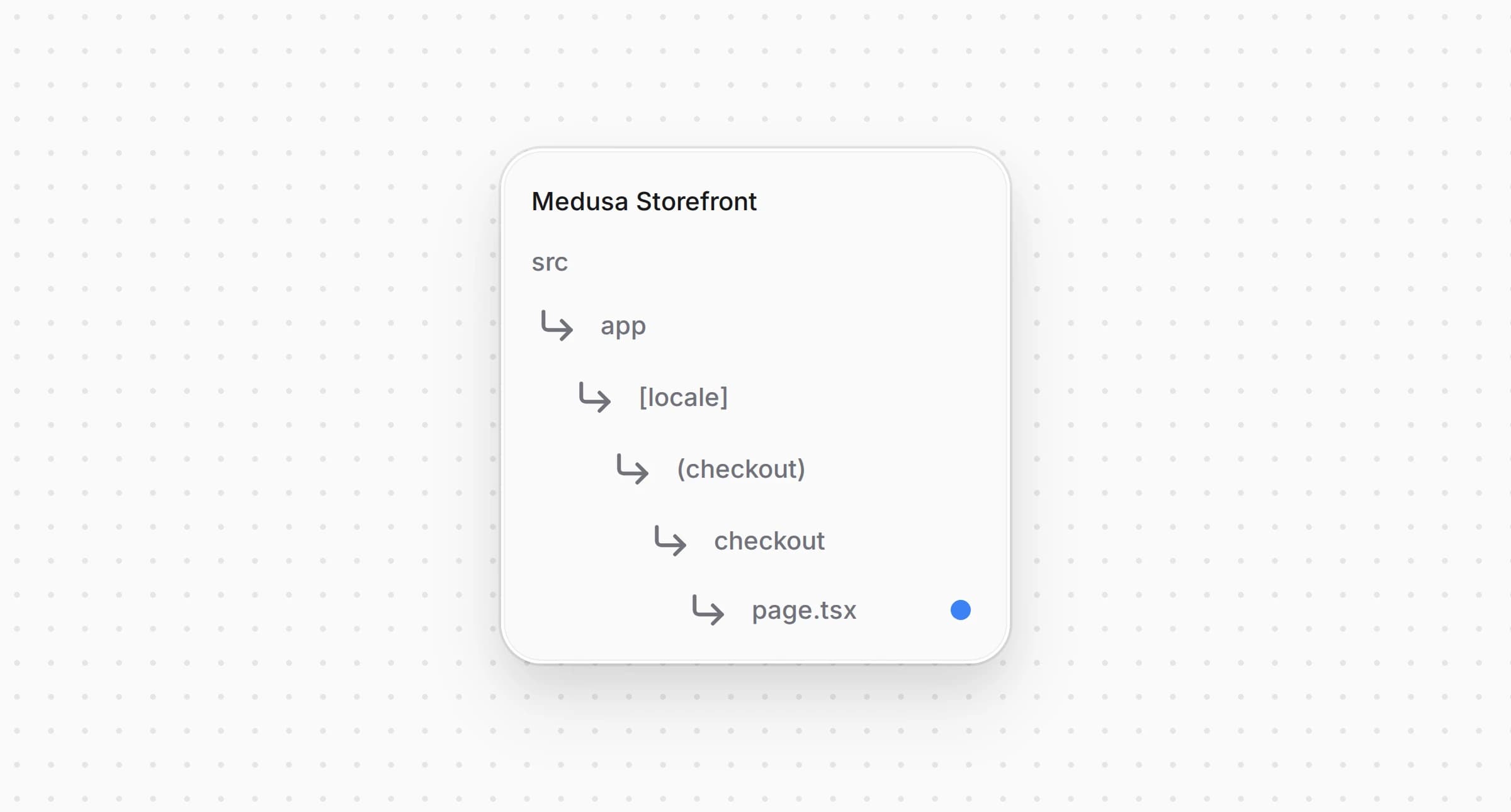
Структура каталогов витрины Medusa после изменения файла страницы оформления заказа

src/app/[locale]/(checkout)/checkout/page.tsx
1import { getAuthorizeNetConfig } from "@lib/data/authorizenet"
2import { listCartPaymentMethods } from "@lib/data/payment"
3import { isAuthorizeNet } from "@lib/constants"
4// ...
5
6export default async function Checkout() {
7 // ...
8
9 const [customer, paymentMethods, authorizeNetConfig] = await Promise.all([
10 retrieveCustomer(),
11 listCartPaymentMethods(cart.region?.id ?? ""),
12 getAuthorizeNetConfig(),
13 ])
14 // Accept.js loads only where the cart's region takes Authorize.net
15 const regionTakesAuthorizeNet = (paymentMethods ?? []).some((method) =>
16 isAuthorizeNet(method.id)
17 )
18
19 return (
20 <PaymentWrapper
21 cart={cart}
22 authorizeNetConfig={regionTakesAuthorizeNet ? authorizeNetConfig : null}
23 >
24 {/* ... */}
25 </PaymentWrapper>
26 )
27}

Страница загружает настройки на сервере и передаёт их только для региона, который принимает Authorize.net, поэтому в других регионах Accept.js не загружается.


Шаг 6: Добавьте форму карты

Форма карты показывает поля номера карты, срока действия и кода безопасности, когда покупатель выбирает Authorize.net.
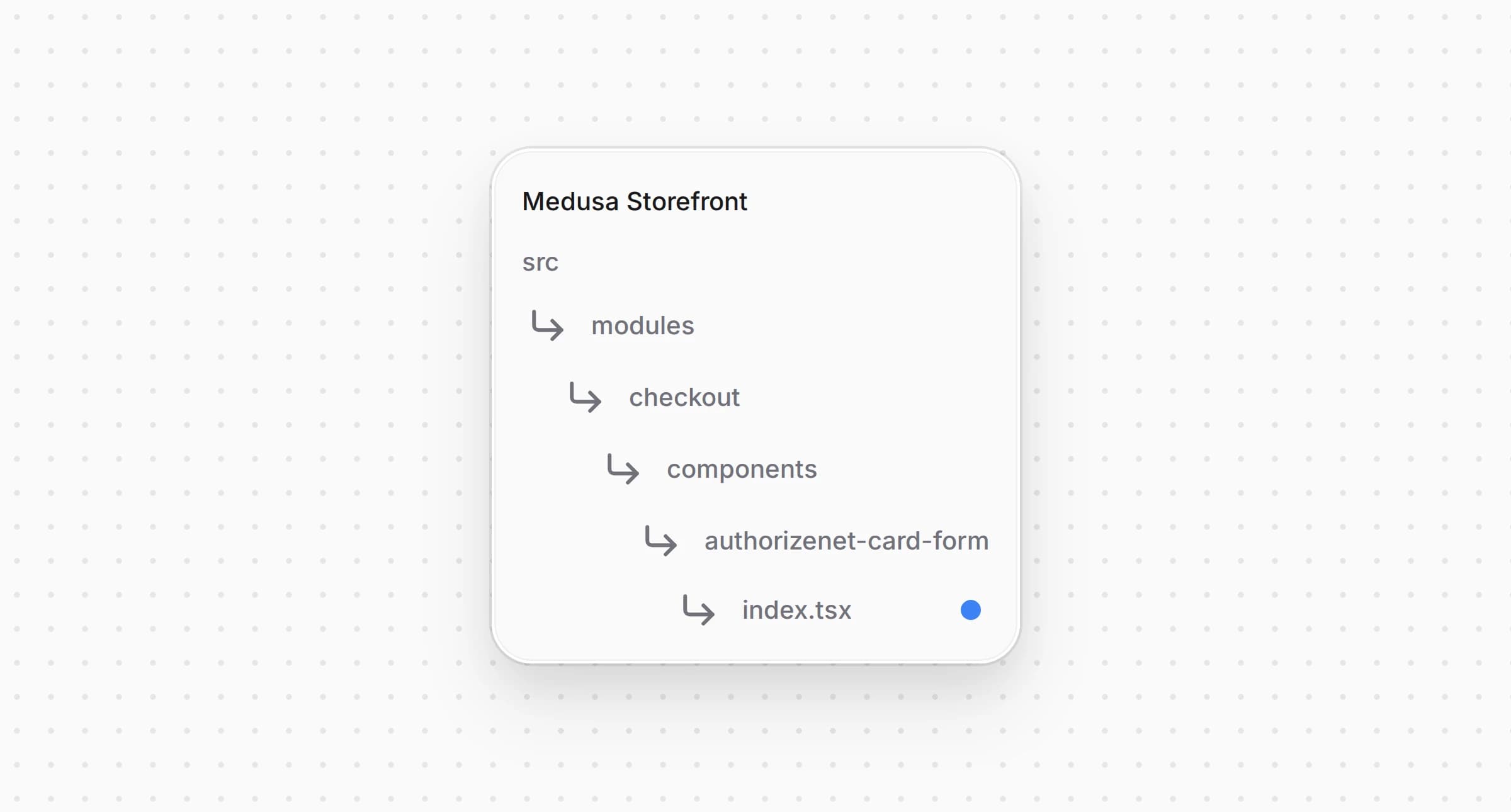
Создайте :

Структура каталогов витрины Medusa после создания файла с формой карты

src/modules/checkout/components/authorizenet-card-form/index.tsx
1"use client"
2
3import { formatCardNumber, formatExpiry, digitsOnly } from "@lib/util/card"
4import { Text } from "@medusajs/ui"
5import Input from "@modules/common/components/input"
6import SkeletonCardDetails from "@modules/skeletons/components/skeleton-card-details"
7import { useTranslations } from "next-intl"
8import { useAuthorizeNet } from "../payment-wrapper/authorizenet-wrapper"
9
10/**
11 * The card fields for Authorize.net. They live outside any form and the shop's server never sees
12 * them: the pay button hands them to Accept.js, which returns a one-time token.
13 */
14const AuthorizeNetCardForm = () => {
15 const t = useTranslations("AuthorizeNetCard")
16 const tc = useTranslations("PaymentContainer")
17 const authorizeNet = useAuthorizeNet()
18
19 if (!authorizeNet) {
20 return <SkeletonCardDetails />
21 }
22
23 const { card, setCard } = authorizeNet
24
25 return (
26 <div className="my-4 flex flex-col gap-y-2" data-testid="authorizenet-card-form">
27 <Text className="txt-medium-plus text-ui-fg-base mb-1">
28 {tc("enterPaymentDetails")}
29 </Text>
30 <Input
31 name="authorizenet-card-number"
32 label={t("cardNumber")}
33 autoComplete="cc-number"
34 inputMode="numeric"
35 value={card.number}
36 onChange={(e) =>
37 setCard({ ...card, number: formatCardNumber(e.target.value) })
38 }
39 required
40 data-testid="authorizenet-card-number"
41 />
42 <div className="grid grid-cols-2 gap-x-2">
43 <Input
44 name="authorizenet-card-expiry"
45 label={t("expiry")}
46 autoComplete="cc-exp"
47 inputMode="numeric"
48 value={card.expiry}
49 onChange={(e) =>
50 setCard({ ...card, expiry: formatExpiry(e.target.value) })
51 }
52 required
53 data-testid="authorizenet-card-expiry"
54 />
55 <Input
56 name="authorizenet-card-cvc"
57 label={t("cvc")}
58 autoComplete="cc-csc"
59 inputMode="numeric"
60 value={card.cvc}
61 onChange={(e) =>
62 setCard({ ...card, cvc: digitsOnly(e.target.value).slice(0, 4) })
63 }
64 required
65 data-testid="authorizenet-card-cvc"
66 />
67 </div>
68 </div>
69 )
70}
71
72export default AuthorizeNetCardForm

Форма построена на стартера, поэтому выглядит как остальные поля оформления заказа, а значения позволяют браузеру подставить сохранённую карту. Форма пишет поля в состояние обёртки и не входит ни в какой , поэтому ничто не отправит их на ваш сервер.

Откройте и покажите форму под способами оплаты:
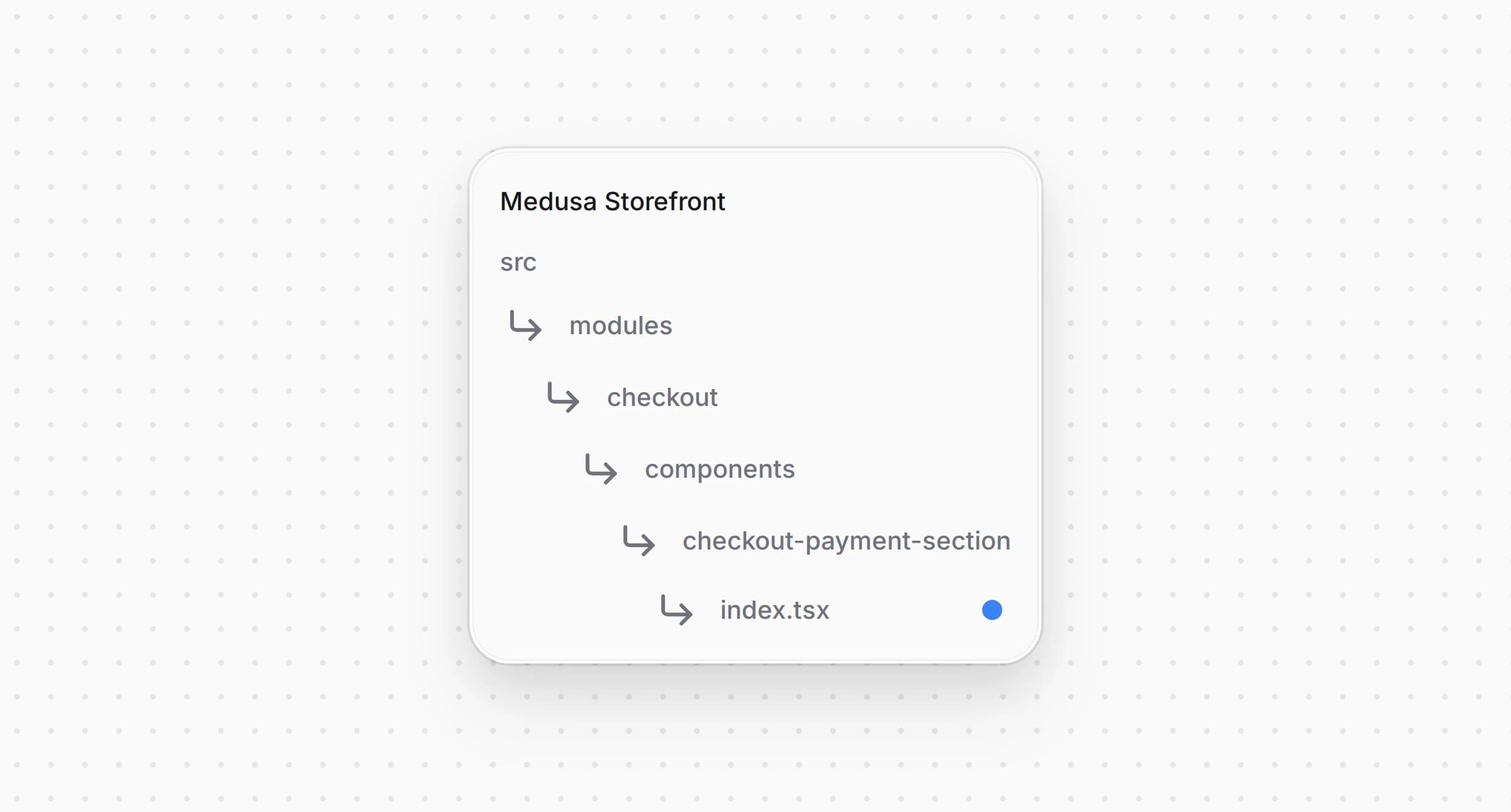
Структура каталогов витрины Medusa после изменения файла с секцией оплаты

src/modules/checkout/components/checkout-payment-section/index.tsx
1import { isAuthorizeNet } from "@lib/constants"
2import AuthorizeNetCardForm from "@modules/checkout/components/authorizenet-card-form"
3// ...
4
5 {/* Authorize.net card input */}
6 {isAuthorizeNet(selectedPaymentMethod) && (
7 <div className="mt-2">
8 <AuthorizeNetCardForm />
9 </div>
10 )}

Форма появляется под плитками способов оплаты, пока выбран Authorize.net.


Шаг 7: Создайте кнопку оплаты

Кнопка оплаты превращает карту в токен, запускает с ним платёжную сессию и создаёт заказ.
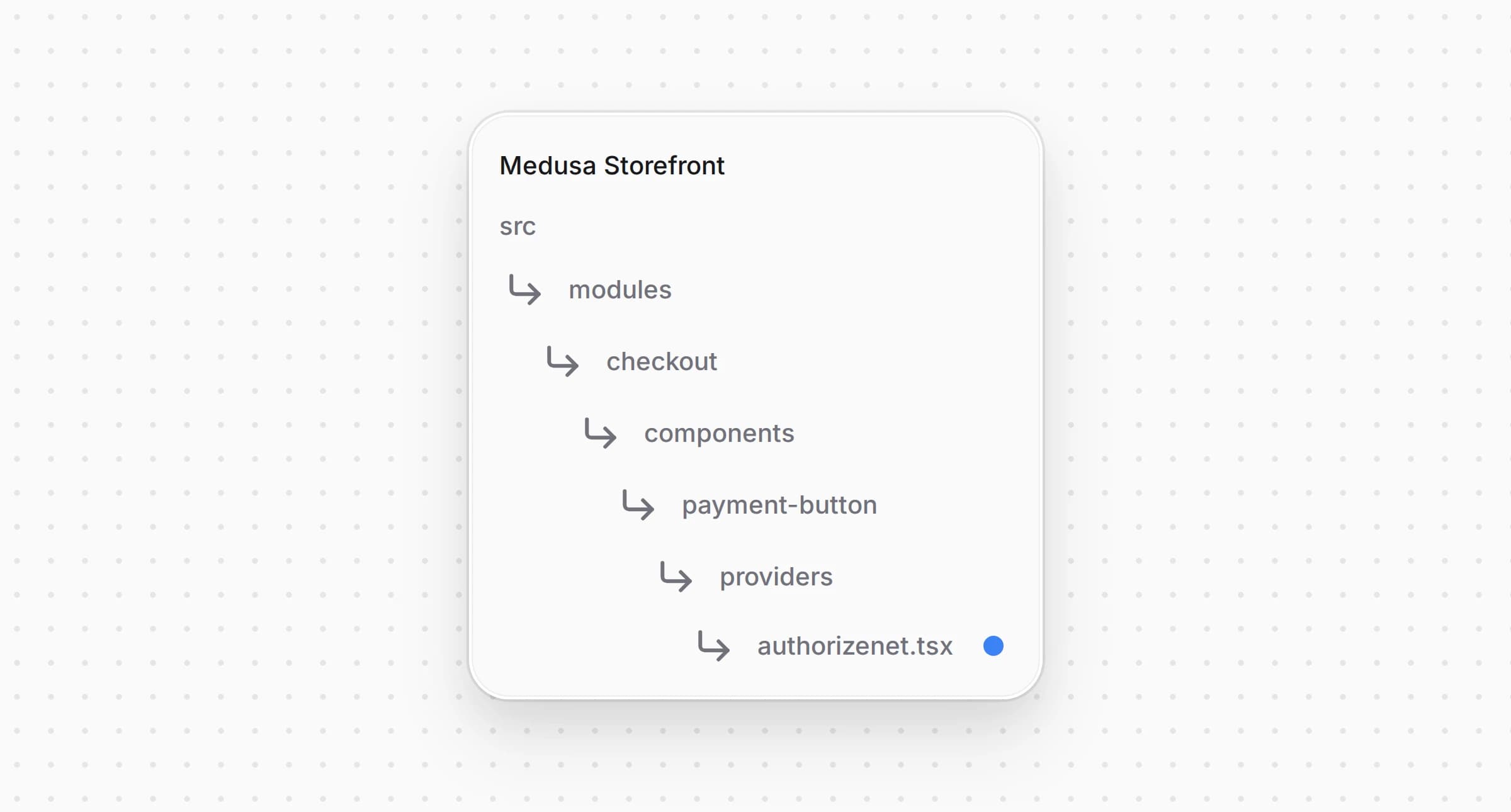
Создайте :

Структура каталогов витрины Medusa после создания файла с кнопкой оплаты Authorize.net

src/modules/checkout/components/payment-button/providers/authorizenet.tsx
1"use client"
2
3import { initiatePaymentSession } from "@lib/data/cart"
4import { AcceptError, type AcceptProblem, createCardToken } from "@lib/util/accept-js"
5import { findCardProblem } from "@lib/util/card"
6import { useTranslations } from "next-intl"
7import { useState } from "react"
8import { useAuthorizeNet } from "@modules/checkout/components/payment-wrapper/authorizenet-wrapper"
9import {
10 PaymentButtonShell,
11 type PaymentProviderButtonProps,
12 usePlaceOrder,
13} from "../shared"
14
15type AuthorizeNetButtonProps = PaymentProviderButtonProps & { providerId: string }
16
17/**
18 * Pays with the card form. Nothing reaches Authorize.net before this click: the button checks the
19 * card, has Accept.js turn it into a one-time token, starts the payment session with that token and
20 * places the order. The backend runs the transaction while the order is placed, so a declined card
21 * comes back as the order's error, which the shared error messages turn into a failed payment.
22 * A problem with the card itself, found here or by Accept.js, is shown in its own words instead:
23 * the shared messages would read the word "card" in it as a failed payment too.
24 */
25const AuthorizeNetPayButton = ({
26 cart,
27 providerId,
28 notReady,
29 label,
30 cartUpdating,
31 "data-testid": dataTestId,
32}: AuthorizeNetButtonProps) => {
33 const t = useTranslations("AuthorizeNetCard")
34 const authorizeNet = useAuthorizeNet()!
35 const {
36 submitting,
37 setSubmitting,
38 errorMessage,
39 setErrorMessage,
40 completeOrder,
41 } = usePlaceOrder()
42 const [cardProblem, setCardProblem] = useState<AcceptProblem | null>(null)
43
44 const fail = (message: string) => {
45 setErrorMessage(message)
46 setSubmitting(false)
47 }
48
49 const failOnCard = (problem: AcceptProblem) => {
50 setCardProblem(problem)
51 setSubmitting(false)
52 }
53
54 const handlePayment = async () => {
55 if (submitting) {
56 return
57 }
58 setCardProblem(null)
59 setErrorMessage(null)
60
61 const problem = findCardProblem(authorizeNet.card)
62 if (problem) {
63 return failOnCard(problem)
64 }
65
66 setSubmitting(true)
67
68 let opaqueData
69 try {
70 opaqueData = await createCardToken(authorizeNet.card, {
71 apiLoginId: authorizeNet.config.api_login_id,
72 clientKey: authorizeNet.config.client_key,
73 })
74 } catch (err) {
75 return failOnCard(err instanceof AcceptError ? err.problem : "tokenError")
76 }
77
78 try {
79 await initiatePaymentSession(cart, {
80 provider_id: providerId,
81 data: { opaque_data: opaqueData },
82 })
83 } catch (err) {
84 return fail(err instanceof Error ? err.message : String(err))
85 }
86
87 await completeOrder()
88 }
89
90 return (
91 <>
92 <PaymentButtonShell
93 label={label}
94 onClick={handlePayment}
95 disabled={notReady || !authorizeNet.acceptReady}
96 loading={submitting || cartUpdating}
97 errorMessage={errorMessage}
98 errorTestId="authorizenet-payment-error-message"
99 data-testid={dataTestId}
100 />
101 {cardProblem && (
102 <div
103 className="pt-2 text-rose-500 text-small-regular"
104 data-testid="authorizenet-card-error-message"
105 >
106 <span>{t(cardProblem)}</span>
107 </div>
108 )}
109 </>
110 )
111}
112
113/**
114 * The checkout leaves Accept.js out when Authorize.net is not configured in the Admin or the cart

проверяет карту через , получает токен через , запускает сессию с и вызывает . Проблему с картой, которую нашли или Accept.js, кнопка показывает под собой строкой из . Общие сообщения об ошибках витрины она обходит, потому что они превращают любой текст со словом «card» в неудачную оплату. Провайдер проводит транзакцию, пока Medusa создаёт заказ, поэтому отказ по карте возвращается как ошибка заказа, общие сообщения показывают его как неудачную оплату, и покупатель может исправить карту и оплатить снова. Пока Accept.js не загрузился, кнопка неактивна.


Шаг 8: Зарегистрируйте кнопку оплаты

Откройте и добавьте вариант для Authorize.net:
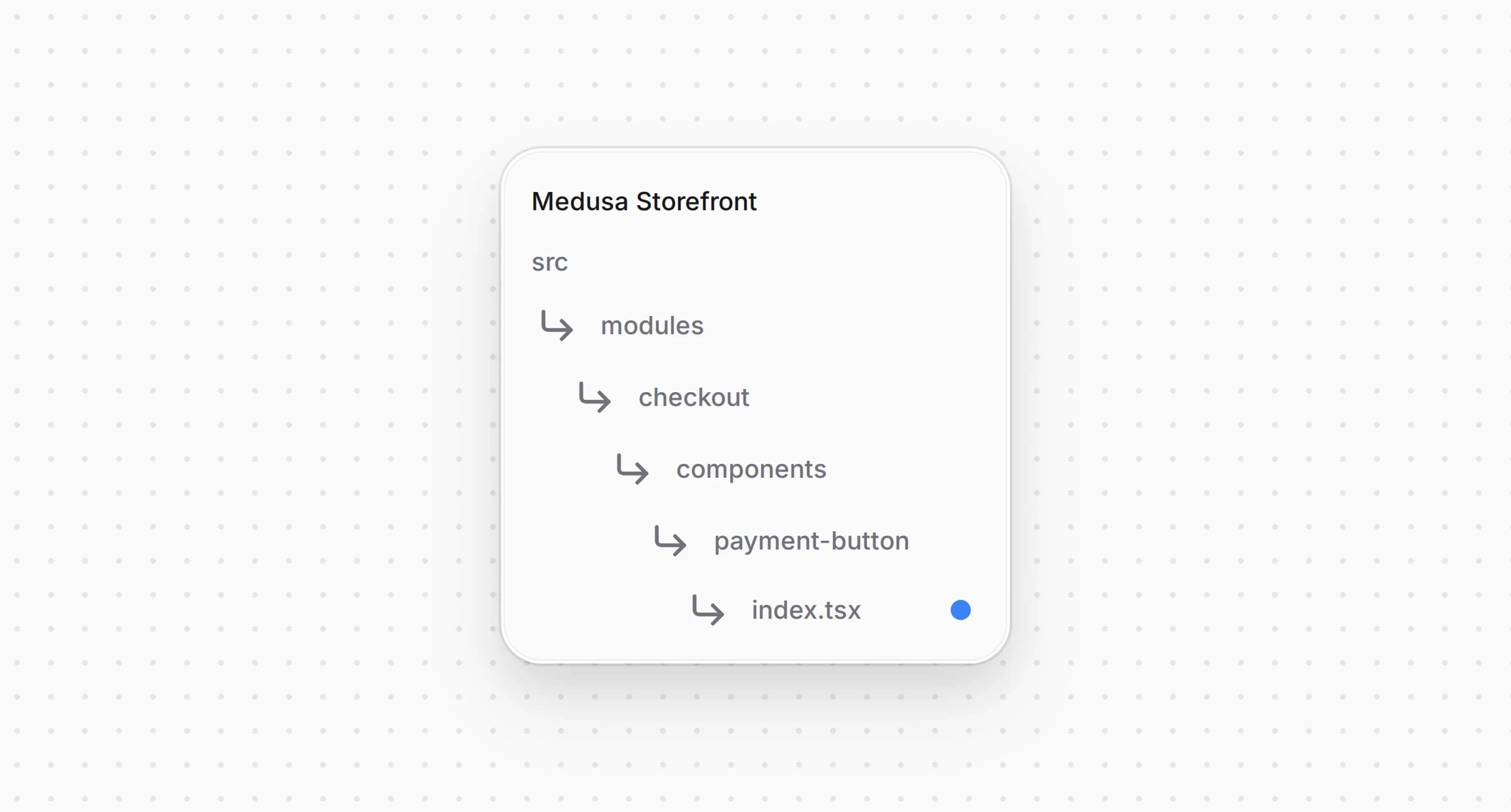
Структура каталогов витрины Medusa после изменения файла с кнопкой оплаты

src/modules/checkout/components/payment-button/index.tsx
1import AuthorizeNetPaymentButton from "./providers/authorizenet"
2// ...
3
4 switch (true) {
5 case isAuthorizeNet(activePaymentMethod):
6 return (
7 <AuthorizeNetPaymentButton
8 {...providerProps}
9 providerId={activePaymentMethod}
10 />
11 )
12 // ...
13 }

Теперь оформление заказа показывает кнопку Authorize.net, когда Authorize.net выбран способом оплаты.


Шаг 9: Добавьте Google Pay в ряд экспресс-оплаты

Ряд экспресс-оплаты над оформлением заказа показывает кнопку кошелька для каждого платёжного провайдера, который её регистрирует. Кнопка Google Pay платит через того же провайдера, что и форма карты, только вместо токена Accept.js передаёт токен Google Pay.

Установите официальную кнопку Google Pay для React:

yarn add @google-pay/button-react@4.1.0
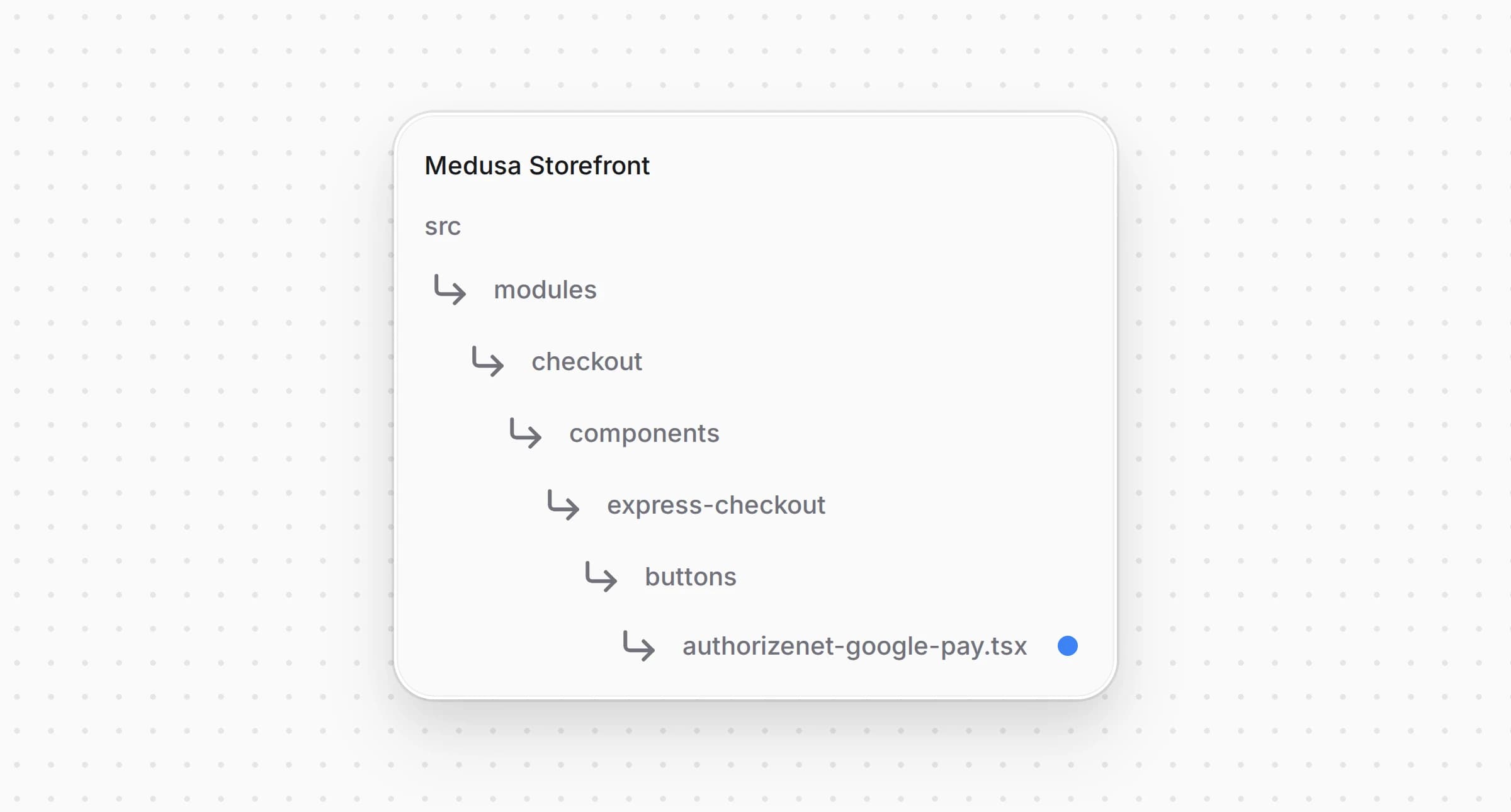
Создайте :

Структура каталогов витрины Medusa после создания файла с кнопкой Google Pay

src/modules/checkout/components/express-checkout/buttons/authorizenet-google-pay.tsx
44
45type GooglePaySettings = NonNullable<AuthorizeNetConfig["google_pay"]>
46
47/**
48 * Google Pay in the express checkout row. The sheet asks for the address, the row quotes the
49 * shipping for it, and the payment goes to Authorize.net as a Google Pay token through the same
50 * provider as the card form: the backend charges it while the order is placed.
51 */
52function GooglePayWalletButton({
53 cart,
54 providerId,
55 shippingOptionId,
56 onUnavailable,
57 onError,
58 onBusy,
59 placeOrder,
60 onClosed,
61 googlePay,
62}: ExpressButtonProps & { googlePay: GooglePaySettings }) {
63 const t = useTranslations("ExpressCheckout")
64 const te = useTranslations("Errors")
65 const locale = useLocale()
66 const currencyCode = cart.currency_code.toUpperCase()
67 // what the sheet showed last, so a total that grows after approval is refused
68 const shownTotal = useRef(cart.total ?? 0)
69 const optionId = useRef<string | null>(shippingOptionId)
70
71 const fail = (
72 error: Parameters<ExpressButtonProps["onError"]>[0],
73 message: string,
74 reason: google.payments.api.ErrorReason = "OTHER_ERROR"
75 ): google.payments.api.PaymentAuthorizationResult => {
76 onError(error)
77 onBusy(false)
78 onClosed()
79 return {
80 transactionState: "ERROR",
81 error: { intent: "PAYMENT_AUTHORIZATION", reason, message },
82 }
83 }
84
85 const onPaymentDataChanged: google.payments.api.PaymentDataChangedHandler = async (data) => {
86 if (data.callbackTrigger === "SHIPPING_OPTION") {
87 return {}
88 }
89 const address = data.shippingAddress
90 const quote = await quoteExpressShipping(
91 {
92 country_code: address?.countryCode ?? "",
93 province: address?.administrativeArea,
94 city: address?.locality,
95 postal_code: address?.postalCode,
96 },
97 optionId.current
98 )
99 if (!quote.ok) {
100 return {
101 error: {
102 intent: "SHIPPING_ADDRESS",
103 reason: "SHIPPING_ADDRESS_UNSERVICEABLE",
104 message: t("noShipping"),
105 },
106 }
107 }
108 optionId.current = quote.shipping_option_id
109 shownTotal.current = quote.total
110 return {
111 newTransactionInfo: {
112 totalPriceStatus: "FINAL",
113 totalPrice: toPrice(quote.total, currencyCode),
114 currencyCode,
115 },
116 newShippingOptionParameters: {
117 defaultSelectedOptionId: quote.shipping_option_id,
118 shippingOptions: [
119 {
120 id: quote.shipping_option_id,
121 label: quote.shipping_option_name,
122 description: convertToLocale({
123 amount: quote.shipping_total,
124 currency_code: quote.currency_code,
125 locale,
126 }),
127 },
128 ],
129 },
130 }
131 }
132
133 const onPaymentAuthorized: google.payments.api.PaymentAuthorizedHandler = async (paymentData) => {
134 onBusy(true)
135 onError(null)
136 const shipping = paymentData.shippingAddress
137 try {
138 const saved = await saveExpressContact(
139 {
140 email: paymentData.email,
141 phone: shipping?.phoneNumber,
142 shipping_address: shipping
143 ? {
144 ...splitName(shipping.name),
145 address_1: shipping.address1,
146 address_2: [shipping.address2, shipping.address3].filter(Boolean).join(" "),
147 city: shipping.locality,
148 province: shipping.administrativeArea,
149 postal_code: shipping.postalCode,
150 country_code: shipping.countryCode,
151 }
152 : null,
153 },
154 optionId.current,
155 shownTotal.current
156 )
157 if (!saved.ok) {
158 if (saved.reason === "totalChanged") {
159 const total = convertToLocale({ amount: saved.total, currency_code: saved.currency_code, locale })
160 return fail(
161 { code: "totalChanged", total: saved.total, currency_code: saved.currency_code },
162 t("totalChanged", { total })
163 )
164 }
165 return saved.reason === "noShipping"
166 ? fail({ code: "noShipping" }, t("noShipping"), "SHIPPING_ADDRESS_UNSERVICEABLE")
167 : fail({ code: "missingContact" }, t("missingContact"))
168 }
169
170 await startExpressPayment(providerId, {
171 opaque_data: {
172 dataDescriptor: GOOGLE_PAY_DATA_DESCRIPTOR,
173 dataValue: window.btoa(paymentData.paymentMethodData.tokenizationData.token),
174 },
175 express: true,
176 })
177 // the row shows why an order was not placed and resolves; a placed order redirects
178 await placeOrder()
179 return {
180 transactionState: "ERROR",
181 error: { intent: "PAYMENT_AUTHORIZATION", reason: "OTHER_ERROR", message: te("paymentFailed") },
182 }
183 } catch (err) {
184 if (isNavigation(err)) {
185 return { transactionState: "SUCCESS" }
186 }
187 return fail({ code: "failed", cause: err }, te("paymentFailed"))
188 }
189 }
190
191 const paymentRequest: google.payments.api.PaymentDataRequest = {
192 apiVersion: 2,

Окно Google Pay запрашивает адрес, а отвечает доставкой и новым итогом из или отклоняет адрес, куда магазин не доставляет. Когда покупатель платит, сохраняет контакты и адрес через , отклоняя итог выше показанного в окне, запускает сессию с токеном и создаёт заказ. После создания заказа покупатель попадает на его страницу, а при отказе окно закрывается с ошибкой, и ряд показывает, что пошло не так. Токенизация идёт через шлюз с Payment Gateway ID, который плагин получил у Authorize.net для вашего аккаунта.

Откройте и зарегистрируйте кнопку:
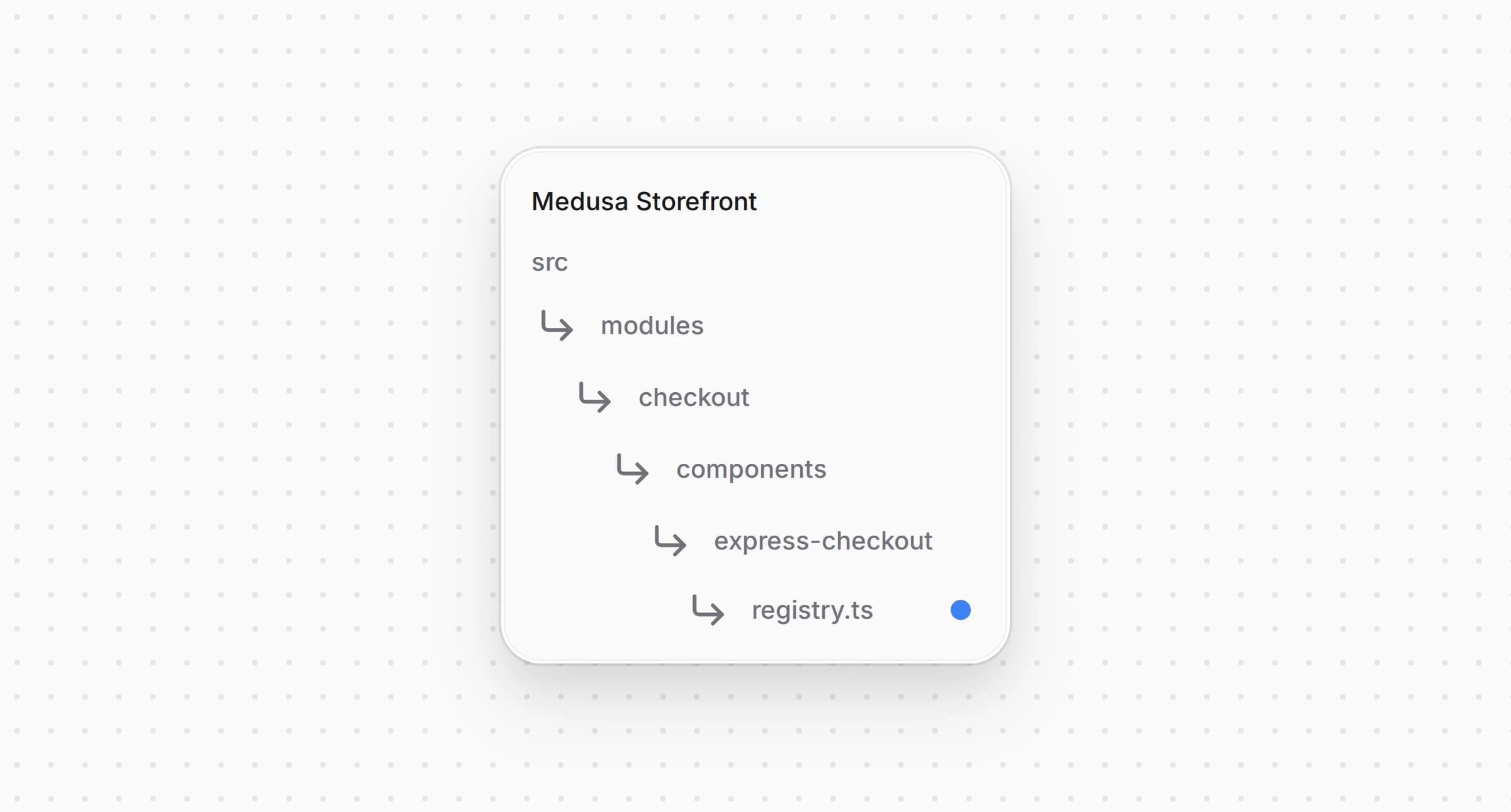
Структура каталогов витрины Medusa после изменения файла с реестром экспресс-оплаты

src/modules/checkout/components/express-checkout/registry.ts
1import { isAuthorizeNet } from "@lib/constants"
2import AuthorizeNetGooglePayButton from "./buttons/authorizenet-google-pay"
3// ...
4
5export const expressButtons: {
6 match: (providerId: string) => boolean
7 Component: ComponentType<ExpressButtonProps>
8}[] = [
9 { match: (providerId) => Boolean(isAuthorizeNet(providerId)), Component: AuthorizeNetGooglePayButton },
10]

Ряд показывает кнопку, когда в регионе корзины есть провайдер, который принимает , а Google Pay включён в настройках.


Шаг 10: Покажите карту на странице заказа

Провайдер сохраняет в платеже бренд карты и её последние четыре цифры. Страница заказа уже показывает их для Stripe, и одно условие добавляет Authorize.net.
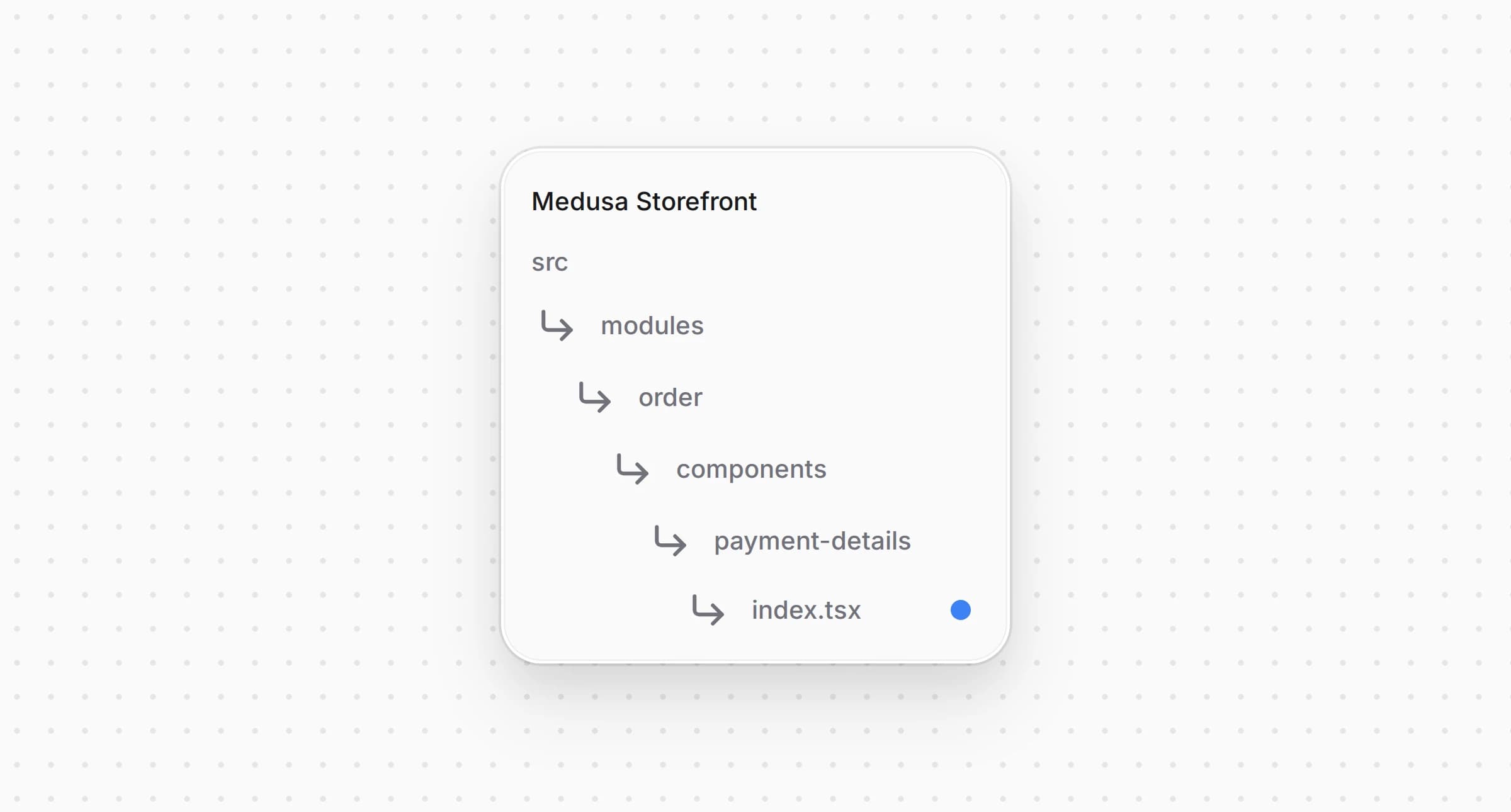
Откройте и измените условие:

Структура каталогов витрины Medusa после изменения файла с данными платежа

src/modules/order/components/payment-details/index.tsx
1import { isAuthorizeNet, isStripeLike, paymentInfoMap } from "@lib/constants"
2// ...
3
4 const card =
5 (isStripeLike(payment.provider_id) || isAuthorizeNet(payment.provider_id)) &&
6 payment.data?.card_last4

Теперь для заказа, оплаченного картой через Authorize.net, страница заказа показывает под способом оплаты.


Шаг 11: Добавьте строки в локали витрины

Добавьте и строки в и в каждую другую локаль под :

messages/ru.json
1{
2 "AuthorizeNetCard": {
3 "cardNumber": "Номер карты",
4 "expiry": "Срок действия (ММ / ГГ)",
5 "cvc": "Код безопасности",
6 "invalidNumber": "Проверьте номер карты.",
7 "invalidExpiry": "Проверьте срок действия.",
8 "invalidCvc": "Проверьте код безопасности.",
9 "insecure": "Для оплаты картой нужно защищённое соединение HTTPS.",
10 "tokenError": "Не удалось проверить карту. Попробуйте ещё раз или оплатите другой картой."
11 },
12 // ...
13 "PaymentMethods": {
14 "pp_authorizenet_authorizenet": {
15 "title": "Authorize.net",
16 "subtitle": "Карты"
17 },
18 // ...
19 }
20}

Если для локали нет записи в , используются английские и из в Шаге 1. У строк резервного значения нет, поэтому они нужны в каждой локали.


Полный пример кода интеграции в витрину

Полный код витрины находится в , собранной на основе Medusa DTC Starter от Gorgo. В README примера перечислены все файлы, из которых состоит интеграция, включая бэкенд.

Изменено 7 ноября 2026 г.·Редактировать страницу