Search for a command to run...
Для интеграции платёжного провайдера Stripe в storefront Medusa DTC Starter от Gorgo начните с добавления необходимых UI-компонентов. Таким образом провайдер будет отображаться на странице оформления заказа наряду с другими доступными методами оплаты.
Оформление заказа работает с отложенным PaymentIntent. Stripe Elements создаются с суммой и валютой корзины, без PaymentIntent за ними, поэтому выбор Stripe или переключение способа оплаты не отправляет запросов. Покупатель платит картой на шаге оплаты или через Apple Pay, Google Pay или Link в ряду экспресс-оплаты. В этот момент витрина запускает платёжную сессию, провайдер создаёт PaymentIntent с итоговой суммой и адресом доставки из корзины, а Stripe.js подтверждает его.
После подтверждения оплаты витрина завершает корзину и создаёт новый заказ в Medusa. Если покупатель закрыл вкладку после оплаты, заказ создаст вебхук или .
Для витрины на Next.js необходимо внести следующие изменения:
Платёжная форма и кнопки кошельков берутся из Stripe.js и его официальной обёртки для React. Установите оба пакета в витрину:
yarn add @stripe/stripe-js@10.1.0 @stripe/react-stripe-js@7.0.0Версия 10 пакета загружает релиз Stripe.js , который соответствует версии API плагина на бэкенде, а даёт компоненты , и .
Сопоставление платёжных провайдеров в файле констант витрины определяет, как каждый провайдер выглядит на странице оформления заказа. Запись для Stripe там уже есть.
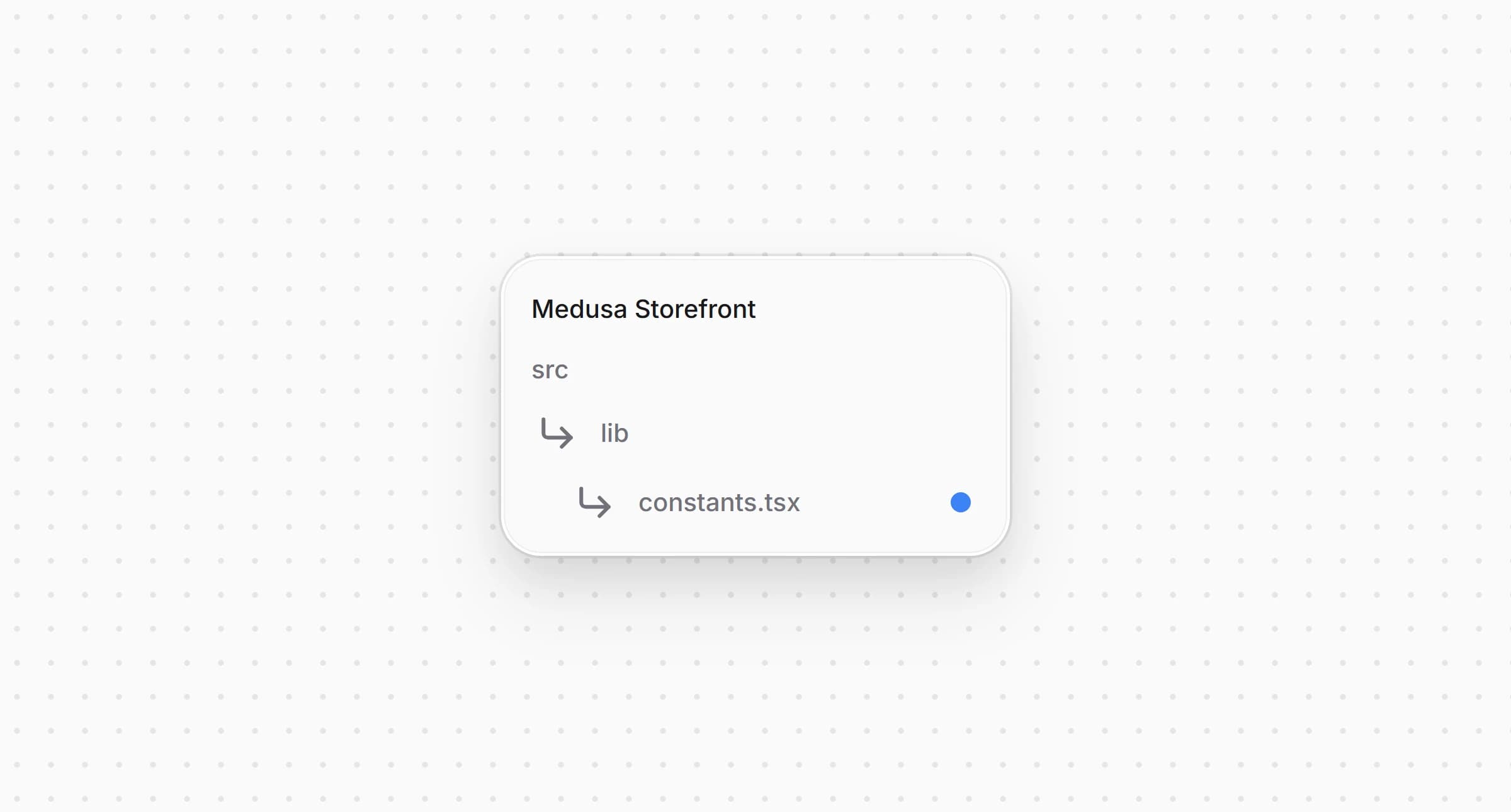
src/lib/constants.tsx1export const paymentInfoMap: Record<string, PaymentInfo> = {2 pp_stripe_stripe: {3 title: "Stripe",4 subtitle: "Cards, wallets",5 icon: <CreditCard />,6 },7 // ...8}910// ...1112export const isStripeLike = (providerId?: string) => {13 return (14 providerId?.startsWith("pp_stripe_") || providerId?.startsWith("pp_medusa-")15 )16}
Запись задаёт заголовок, подзаголовок и иконку Stripe на странице оформления заказа и служит запасным вариантом, если в локали нет перевода. Запись и функция уже есть в стартере, потому что он поставляется с платёжной формой Stripe, поэтому меняются только заголовок и подзаголовок.
Вспомогательная функция проверяет, принадлежит ли провайдеру Stripe. Её используют страница, кнопка оплаты и ряд экспресс-оплаты.
Стартер запускает платёжную сессию сразу, как только покупатель выбирает способ оплаты, а значит создал бы PaymentIntent до того, как сумма станет окончательной. Сессию Stripe вместо этого запускает его кнопка оплаты.
Откройте тот же и добавьте запись в функции сборки данных платёжной сессии:

src/lib/constants.tsx1const paymentSessionDataBuilders: Array<{2 test: (providerId?: string) => boolean | undefined3 isReady?: (cart: HttpTypes.StoreCart) => boolean4 build?: (cart: HttpTypes.StoreCart) => Record<string, unknown>5 /**6 * The provider's own pay button starts the payment session when the customer pays, so the7 * checkout does not start one when the method is picked or the cart changes. For a provider8 * that creates the payment at the vendor only once the amount is final, such as a deferred9 * Stripe PaymentIntent. `isReady` still gates the pay button.10 */11 deferred?: boolean12}> = [13 {14 // The Payment Element works on a deferred PaymentIntent, which the pay button creates15 // once the amount is final, so picking Stripe makes no request.16 test: isStripeLike,17 deferred: true,18 },19]
С оформление заказа не запускает сессию при выборе Stripe, после очистки сессии и при смене адреса или доставки. У записи нет , потому что провайдер берёт адрес и email из корзины на бэкенде. Нет и , потому что кнопка оплаты и так ждёт email, адреса и способ доставки.
Чтобы создать Elements, витрине нужны публикуемый ключ и способ списания. Они хранятся в настройках плагина в Medusa Admin, поэтому витрина загружает их с бэкенда, а не из переменной окружения.
Создайте и добавьте следующий код:
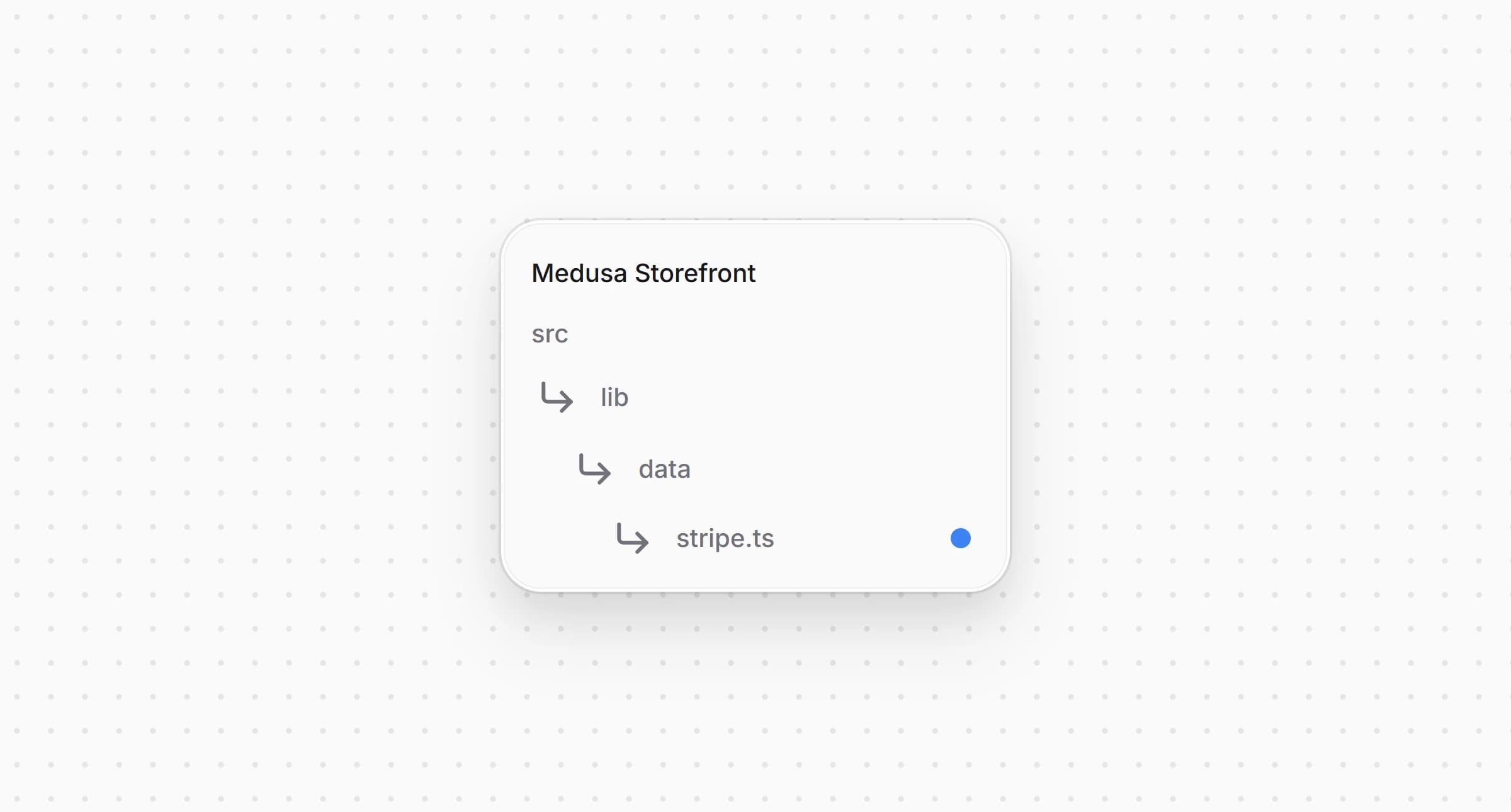
src/lib/data/stripe.ts1"use server"23import { sdk } from "@lib/config"45/** What the storefront needs to load Stripe.js and create the Elements, from `GET /store/stripe/config`. */6export type StripeConfig = {7 provider_id: string8 publishable_key: string9 /** The capture method of the PaymentIntents the backend creates. The Elements must use the same. */10 capture_method: "manual" | "automatic_async"11 payment_method_configuration: string | null12}1314/**15 * The public Stripe settings of the only Stripe integration, or null while it is not configured.16 * The keys and the capture method change only in the Admin, so the answer is cached for a minute.17 */18export async function getStripeConfig(): Promise<StripeConfig | null> {19 return sdk.client20 .fetch<{ config: StripeConfig }>("/store/stripe/config", {21 method: "GET",22 next: { revalidate: 60 },23 })24 .then(({ config }) => config)25 .catch(() => null)26}
обращается к , который возвращает публикуемый ключ, способ списания и конфигурацию способов оплаты интеграции Stripe. Пока интеграция не настроена, функция возвращает , а ответ кэшируется на минуту.
Elements принимают сумму целым числом в минимальных единицах валюты, и она должна совпадать с суммой PaymentIntent, который создаёт провайдер.
Создайте и добавьте следующий код:
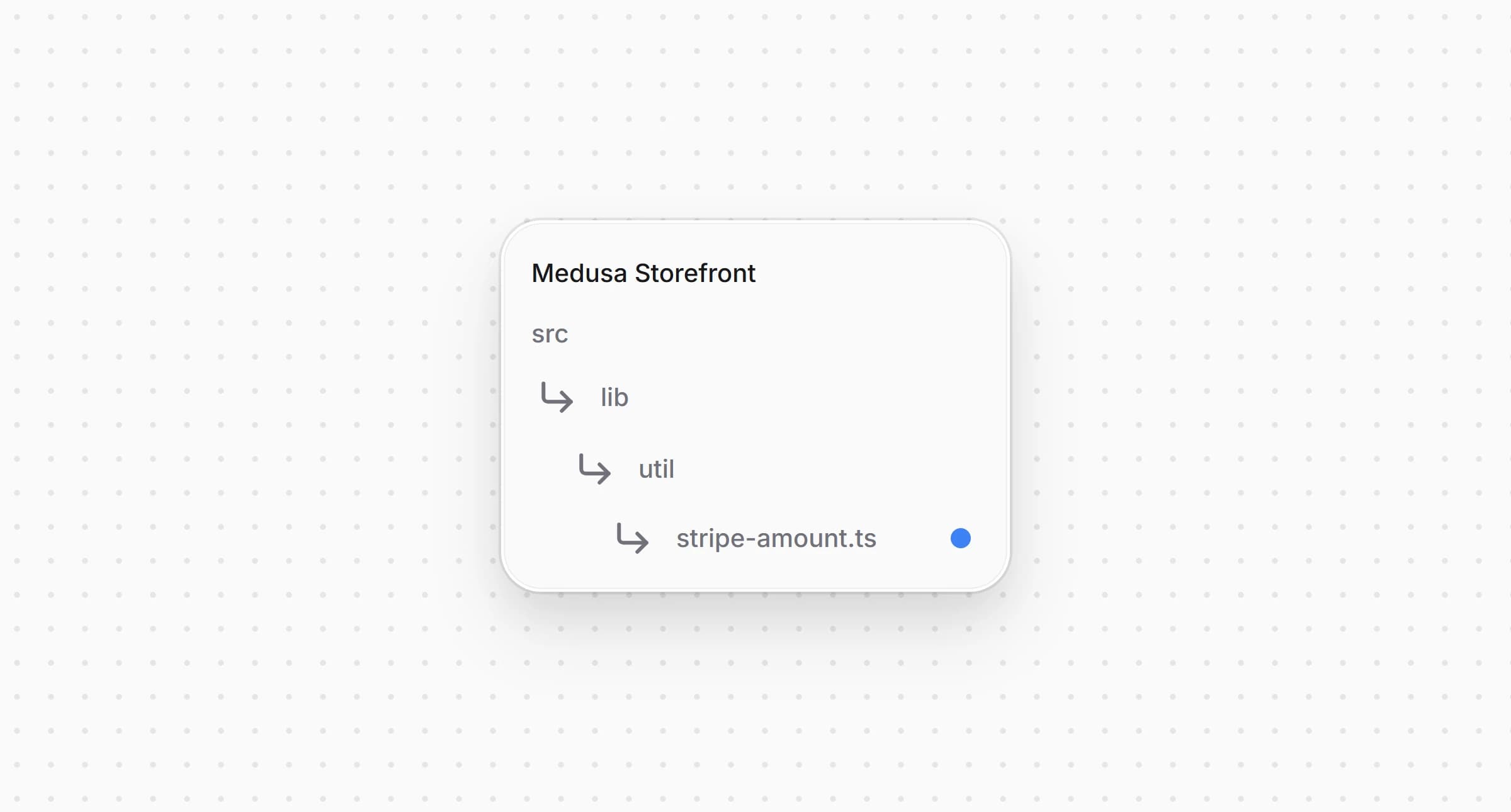
src/lib/util/stripe-amount.ts1/**2 * Converts a Medusa amount, in major units, to the integer Stripe expects, the same way3 * `@gorgo/medusa-payment-stripe` converts it for the PaymentIntent (`src/utils/amounts.ts` there).4 * The Elements and the PaymentIntent have to agree on the amount, so a change here goes there too.5 */6const ZERO_DECIMAL = new Set([7 "BIF", "CLP", "DJF", "GNF", "JPY", "KMF", "KRW", "MGA", "PYG", "RWF", "VND", "VUV", "XAF", "XOF", "XPF",8])9// zero-decimal currencies Stripe still takes multiplied by 100, so 5 ISK is 50010const WHOLE_TWO_DECIMAL = new Set(["ISK", "UGX"])11// thousandths, rounded to a hundredth, since Stripe wants the last digit to be 012const THREE_DECIMAL = new Set(["BHD", "JOD", "KWD", "OMR", "TND"])1314/** `amount` rounded half up to `decimals` places, then shifted to an integer, without float drift. */15const shift = (amount: number, decimals: number) =>16 Math.round(Number(`${amount.toFixed(10)}e${decimals}`))1718export const toStripeAmount = (amount: number, currencyCode: string) => {19 const code = currencyCode.toUpperCase()20 if (ZERO_DECIMAL.has(code)) {21 return shift(amount, 0)22 }23 if (WHOLE_TWO_DECIMAL.has(code)) {24 return shift(amount, 0) * 10025 }26 if (THREE_DECIMAL.has(code)) {27 return shift(amount, 2) * 1028 }29 return shift(amount, 2)30}
переводит итог корзины так же, как его переводит провайдер на бэкенде. Валюты без дробной части, например JPY, остаются целыми, ISK и UGX умножаются на 100, так что 5 ISK уходит в Stripe как 500, а валюты с тремя знаками после запятой округляются до сотых, потому что Stripe требует, чтобы их последняя цифра была 0.
Платёжная форма и кнопки кошельков используют одни Elements, которые оборачивают всё оформление заказа.
Откройте и замените его код следующим:
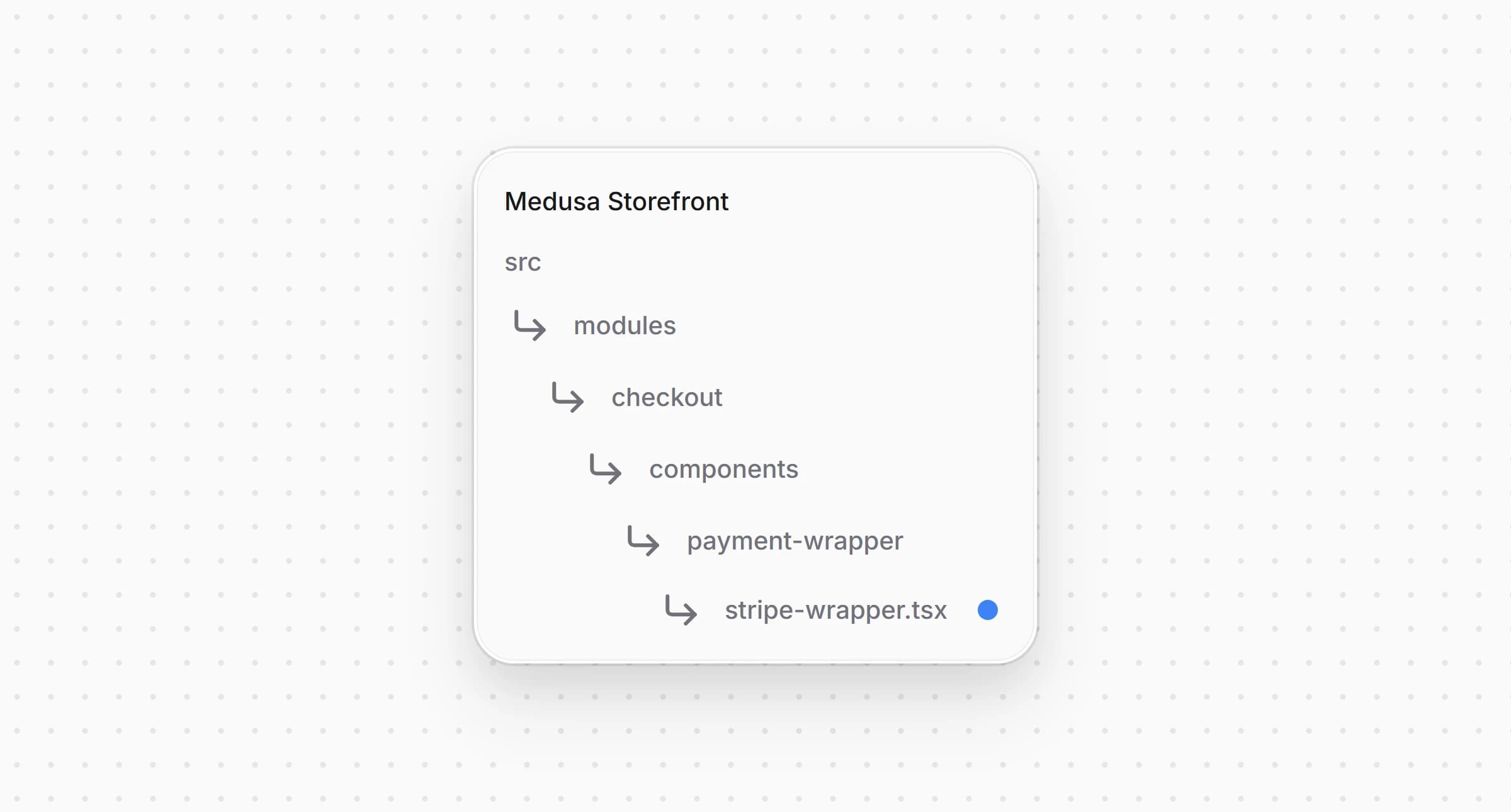
src/modules/checkout/components/payment-wrapper/stripe-wrapper.tsx1"use client"23import type { Stripe, StripeElementsOptions } from "@stripe/stripe-js"4import { loadStripe } from "@stripe/stripe-js/pure"5import { Elements } from "@stripe/react-stripe-js"6import type { HttpTypes } from "@medusajs/types"7import type { StripeConfig } from "@lib/data/stripe"8import { toStripeAmount } from "@lib/util/stripe-amount"9import { createContext, useMemo } from "react"1011type StripeWrapperProps = {12 cart: HttpTypes.StoreCart13 config: StripeConfig14 children: React.ReactNode15}1617export const StripeContext = createContext(false)1819// One Stripe.js instance per publishable key for the whole visit.20const stripePromises = new Map<string, Promise<Stripe | null>>()2122const stripeFor = (publishableKey: string) => {23 let promise = stripePromises.get(publishableKey)24 if (!promise) {25 promise = loadStripe(publishableKey)26 stripePromises.set(publishableKey, promise)27 }28 return promise29}3031/**32 * Elements in deferred mode, created with the amount, the currency and the capture method of33 * the PaymentIntent the backend will create, and without a client secret. Selecting Stripe or34 * switching methods makes no request. The amount follows the cart, and a wallet updates it35 * itself while its window is open.36 */37const StripeWrapper: React.FC<StripeWrapperProps> = ({38 cart,39 config,40 children,41}) => {42 const stripePromise = useMemo(43 () => stripeFor(config.publishable_key),44 [config.publishable_key]45 )4647 const options: StripeElementsOptions = {48 mode: "payment",49 amount: toStripeAmount(cart.total ?? 0, cart.currency_code),50 currency: cart.currency_code.toLowerCase(),51 captureMethod: config.capture_method,52 ...(config.payment_method_configuration53 ? { paymentMethodConfiguration: config.payment_method_configuration }54 : {}),55 }5657 return (58 <StripeContext.Provider value={true}>59 <Elements options={options} stripe={stripePromise}>60 {children}61 </Elements>62 </StripeContext.Provider>63 )64}6566export default StripeWrapper
создаёт Elements в режиме с суммой и валютой корзины и способом списания из настроек, без client secret. Когда итог корзины меняется, новая сумма попадает в Elements через проп . сообщает компонентам внутри, что Elements доступны.
Откройте и замените его код следующим:
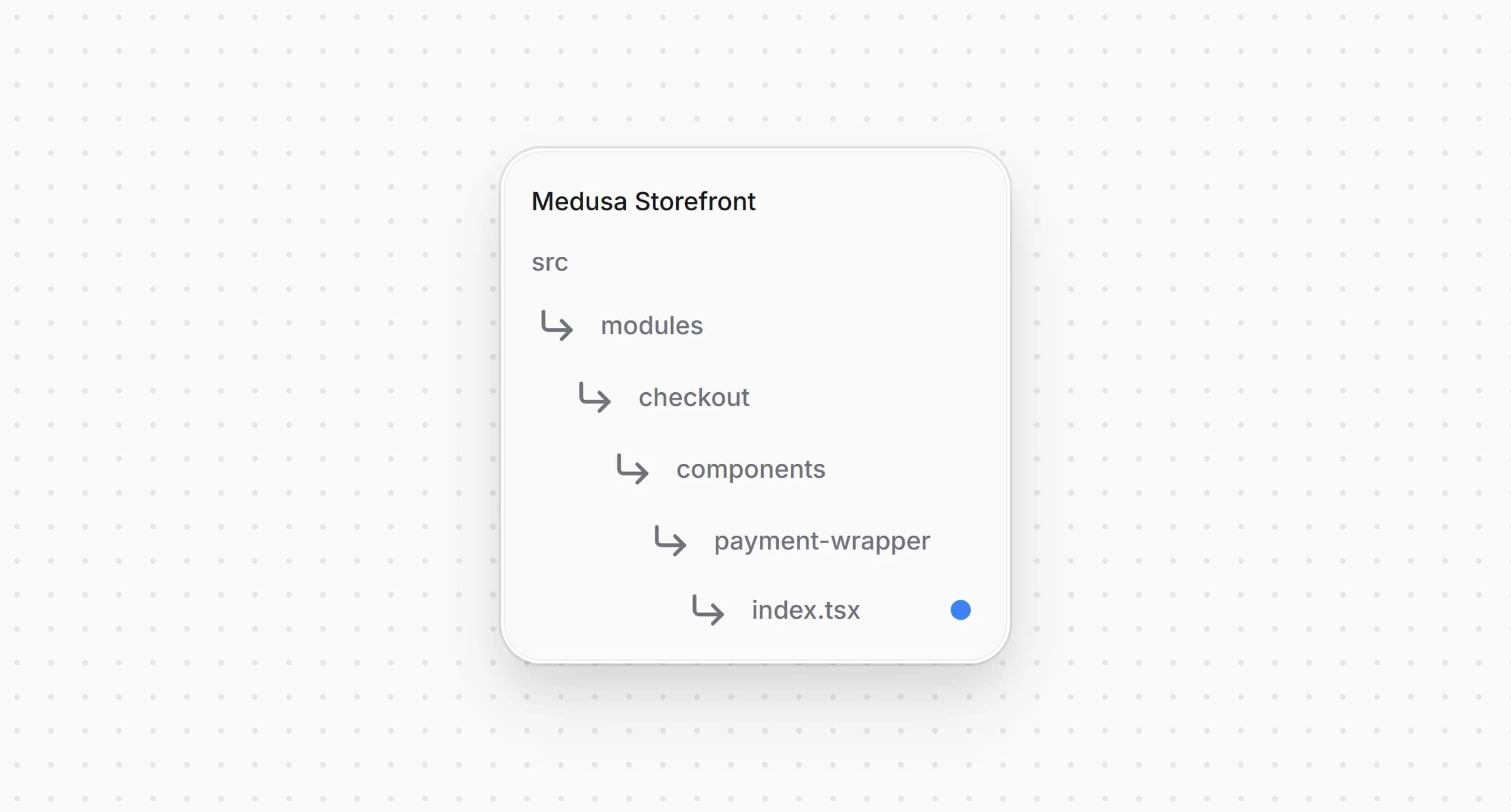
src/modules/checkout/components/payment-wrapper/index.tsx1"use client"23import type React from "react"4import StripeWrapper from "./stripe-wrapper"5import type { HttpTypes } from "@medusajs/types"6import type { StripeConfig } from "@lib/data/stripe"78type PaymentWrapperProps = {9 cart: HttpTypes.StoreCart10 /** The Stripe settings, when Stripe is enabled in the cart's region. */11 stripeConfig: StripeConfig | null12 children: React.ReactNode13}1415/**16 * Wraps the whole checkout in the Stripe Elements when the cart's region takes Stripe, so the17 * card form and the express checkout row share one deferred PaymentIntent setup. The18 * PaymentIntent is created only when the customer pays.19 */20const PaymentWrapper: React.FC<PaymentWrapperProps> = ({21 cart,22 stripeConfig,23 children,24}) => {25 if (stripeConfig && (cart.total ?? 0) > 0) {26 return (27 <StripeWrapper cart={cart} config={stripeConfig}>28 {children}29 </StripeWrapper>30 )31 }3233 return <div>{children}</div>34}3536export default PaymentWrapper
теперь получает настройки Stripe пропом и оборачивает оформление заказа в Elements, только если они переданы и в корзине есть что оплачивать.
Откройте и передайте настройки в обёртку:
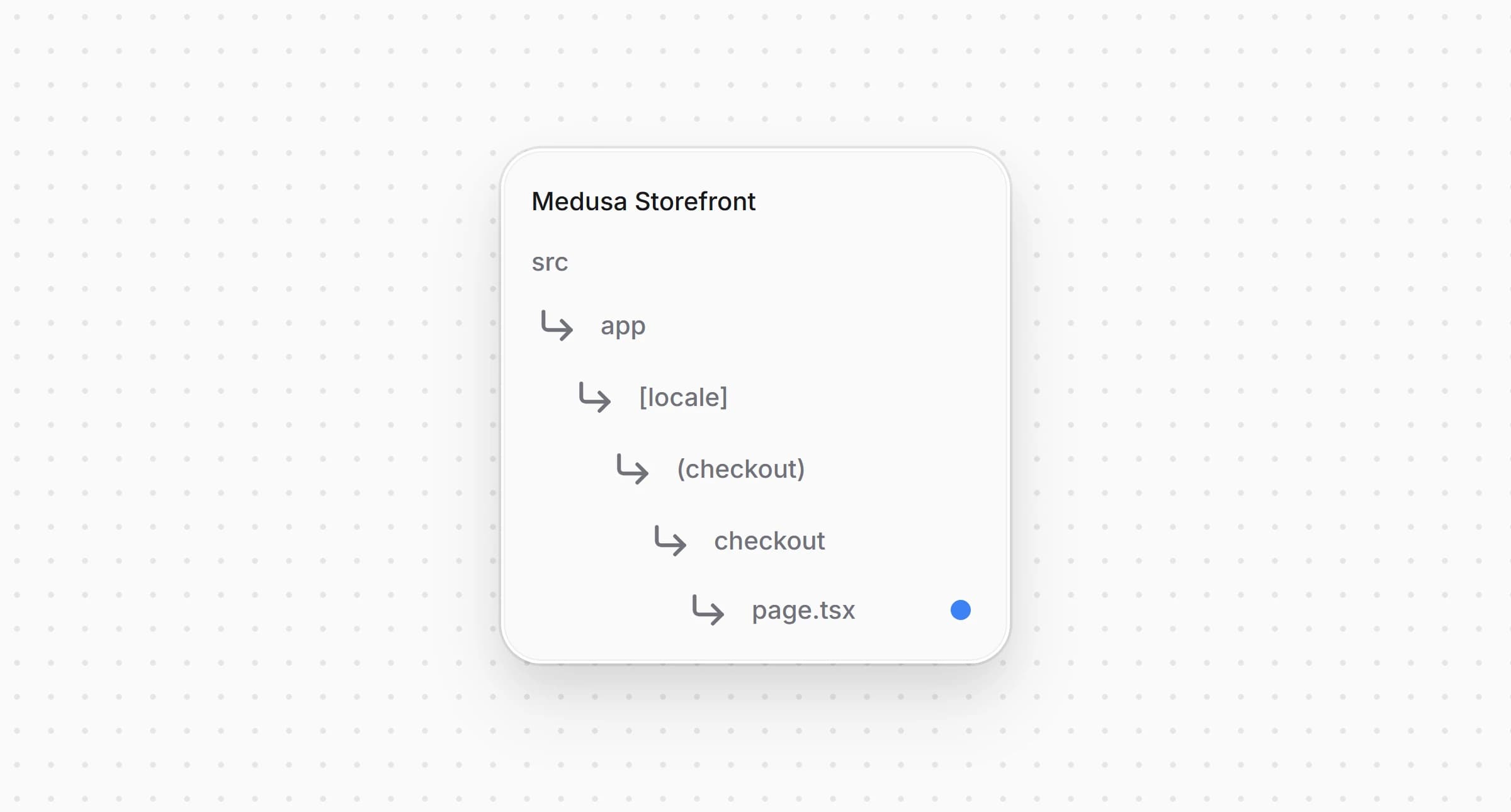
src/app/[locale]/(checkout)/checkout/page.tsx1import { listCartPaymentMethods } from "@lib/data/payment"2import { getStripeConfig } from "@lib/data/stripe"3import { isStripeLike } from "@lib/constants"4// ...56export default async function Checkout() {7 // ...8 const [customer, paymentMethods, stripeConfig] = await Promise.all([9 retrieveCustomer(),10 listCartPaymentMethods(cart.region?.id ?? ""),11 getStripeConfig(),12 ])13 // the Elements wrap the checkout only where the cart's region takes Stripe14 const regionTakesStripe = (paymentMethods ?? []).some((method) =>15 isStripeLike(method.id)16 )1718 return (19 <PaymentWrapper20 cart={cart}21 stripeConfig={regionTakesStripe ? stripeConfig : null}22 >23 {/* ... */}24 </PaymentWrapper>25 )26}
Страница загружает настройки на сервере вместе с платёжными провайдерами региона корзины и передаёт их, только если в этом регионе включён Stripe. Поскольку настройки загружает страница, Elements доступны с первой отрисовки, и форма оформления заказа не монтируется дважды.
На шаге оплаты показывается Payment Element со способами оплаты вашего аккаунта Stripe.
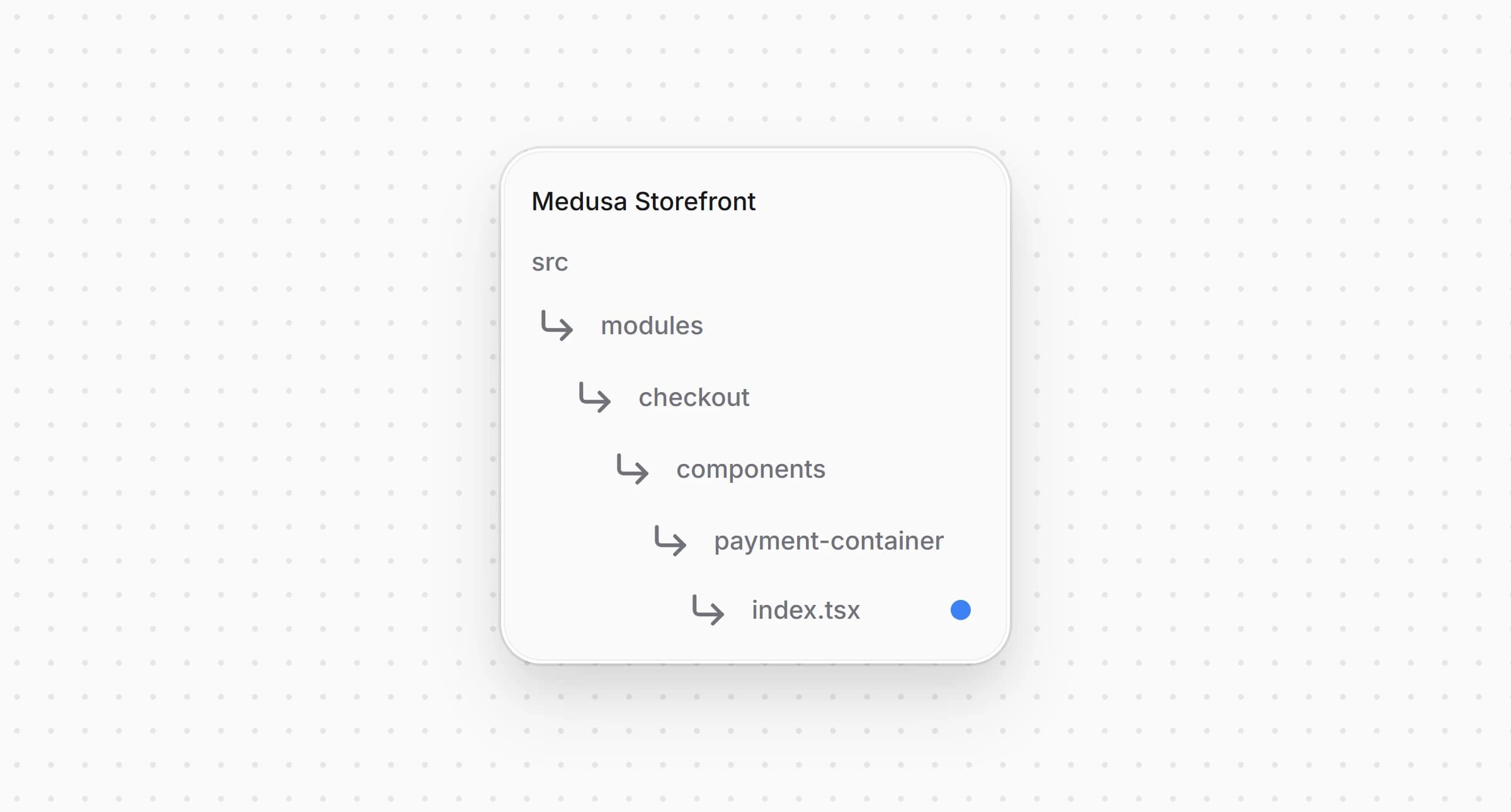
src/modules/checkout/components/payment-container/index.tsx1<PaymentElement2 // the checkout already has the billing address and passes it on3 // when the payment is confirmed4 options={{5 layout: "accordion",6 fields: { billingDetails: { address: "never" } },7 }}8 // ...9 />
Оформление заказа уже спрашивает платёжный адрес, поэтому Payment Element не спрашивает его повторно. Кнопка оплаты передаёт адрес при подтверждении платежа.
Именно кнопка оплаты создаёт PaymentIntent.
Откройте и замените его код следующим:
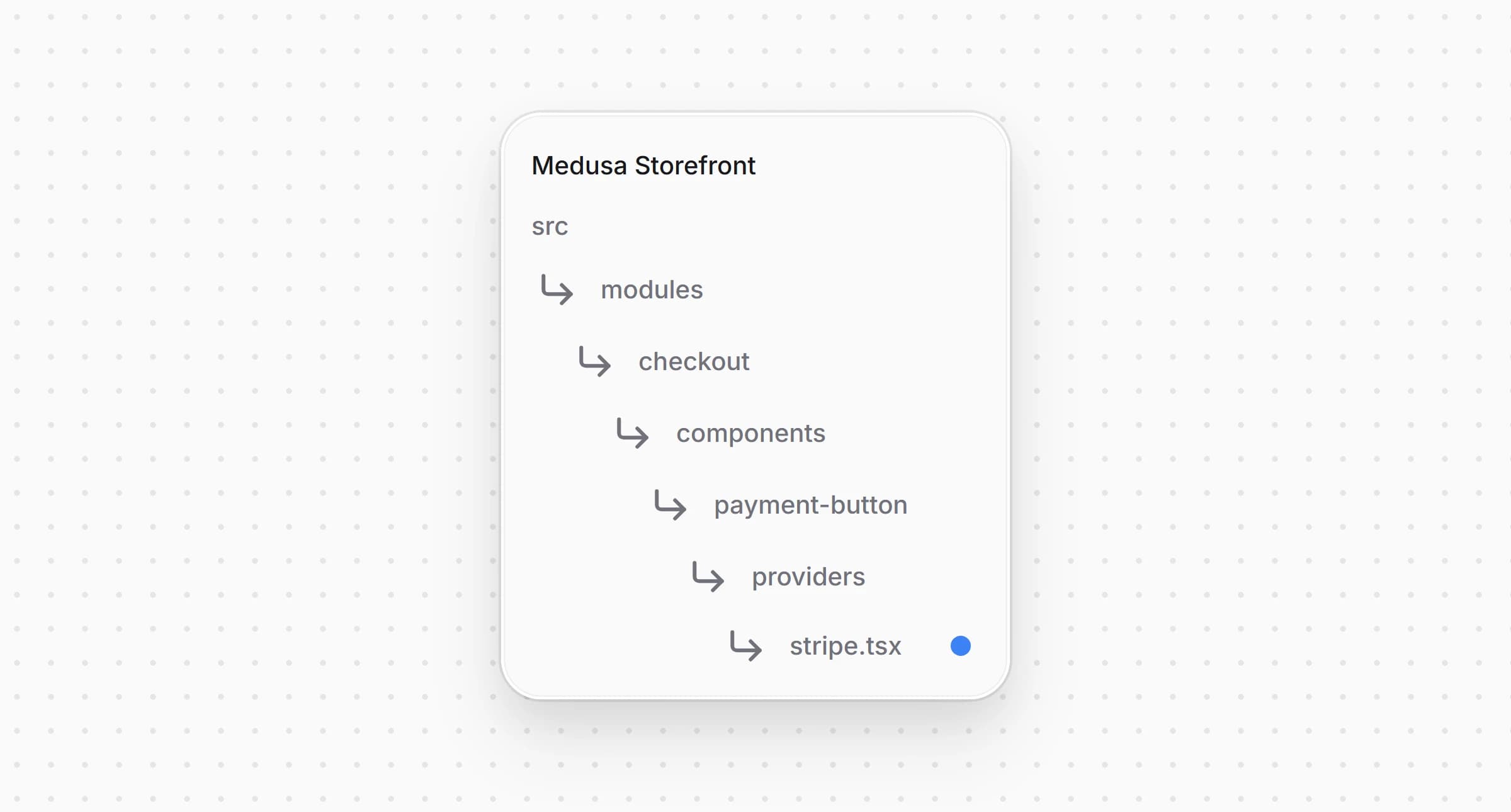
src/modules/checkout/components/payment-button/providers/stripe.tsx42 } as PaymentMethodCreateParams.BillingDetails43}4445/**46 * Pays with the Payment Element. The PaymentIntent does not exist until here. The button47 * validates the form, starts the payment session, which creates the PaymentIntent with the48 * cart's final amount and delivery address, and confirms it with the session's client secret.49 */50const StripeConfirmButton = ({51 cart,52 providerId,53 notReady,54 label,55 cartUpdating,56 "data-testid": dataTestId,57}: PaymentProviderButtonProps & { providerId: string }) => {58 const locale = useLocale()59 const stripe = useStripe()60 const elements = useElements()61 const {62 submitting,63 setSubmitting,64 errorMessage,65 setErrorMessage,66 completeOrder,67 } = usePlaceOrder()6869 const fail = (message?: string | null) => {70 setErrorMessage(message || null)71 setSubmitting(false)72 }7374 const handlePayment = async () => {75 if (!stripe || !elements || !cart || submitting) {76 return77 }7879 setSubmitting(true)80 setErrorMessage(null)8182 const { error: formError } = await elements.submit()83 if (formError) {84 return fail(formError.message)85 }8687 let clientSecret: string | undefined88 try {89 const { payment_collection } = await initiatePaymentSession(cart, {90 provider_id: providerId,91 })92 const session = payment_collection?.payment_sessions?.find(93 (s) => s.provider_id === providerId && s.status === "pending"94 )95 clientSecret = session?.data?.client_secret as string | undefined96 } catch (err) {97 return fail(err instanceof Error ? err.message : String(err))98 }99 if (!clientSecret) {100 return fail("The payment could not be started.")101 }102103 const { error, paymentIntent } = await stripe.confirmPayment({104 elements,105 clientSecret,106 confirmParams: {107 return_url: `${window.location.origin}/api/payment-return?cart_id=${cart.id}&locale=${locale}`,108 payment_method_data: {109 billing_details: toBillingDetails(cart),110 },111 },112 // Only leave the site when the selected method actually requires it, so113 // card payments still complete inline.114 redirect: "if_required",115 })116117 if (error) {118 if (isPaymentSettled(error.payment_intent?.status)) {119 return completeOrder()120 }121 return fail(error.message)122 }123 if (isPaymentSettled(paymentIntent.status)) {124 return completeOrder()125 }126 setSubmitting(false)127 }128129 return (130 <PaymentButtonShell131 label={label}132 onClick={handlePayment}133 disabled={!stripe || !elements || notReady}134 loading={submitting || cartUpdating}135 errorMessage={errorMessage}136 errorTestId="stripe-payment-error-message"137 data-testid={dataTestId}138 />139 )140}141142/**143 * The checkout leaves out the Stripe Elements when Stripe is not configured in the Admin or144 * the cart has nothing to pay. The button then stays disabled instead of calling `useStripe()`145 * outside the Elements provider.146 */147const StripePaymentButton = (148 props: PaymentProviderButtonProps & { providerId: string }149) => {150 const stripeReady = useContext(StripeContext)151152 if (!stripeReady) {153 return (154 <PaymentButtonShell155 label={props.label}156 onClick={() => {}}157 disabled158 loading={props.cartUpdating}159 errorMessage={null}160 errorTestId="stripe-payment-error-message"161 data-testid={props["data-testid"]}162 />163 )164 }165166 return <StripeConfirmButton {...props} />167}168169export default StripePaymentButton
Когда покупатель нажимает кнопку, она проверяет Payment Element через , запускает платёжную сессию и берёт из неё client secret PaymentIntent. Затем подтверждает PaymentIntent с данными формы и платёжным адресом из оформления заказа. Оплата картой завершается на странице, а способ, который перенаправляет покупателя на другой сайт, например iDEAL, возвращает его через . Когда PaymentIntent переходит в или , кнопка оформляет заказ. Если на странице оформления заказа нет Stripe Elements, потому что Stripe не настроен в панели администратора или итог корзины равен нулю, кнопка остаётся неактивной.
Диспетчеру кнопок оплаты нужен id провайдера, чтобы запустить сессию Stripe.
Откройте и передайте кнопке Stripe :
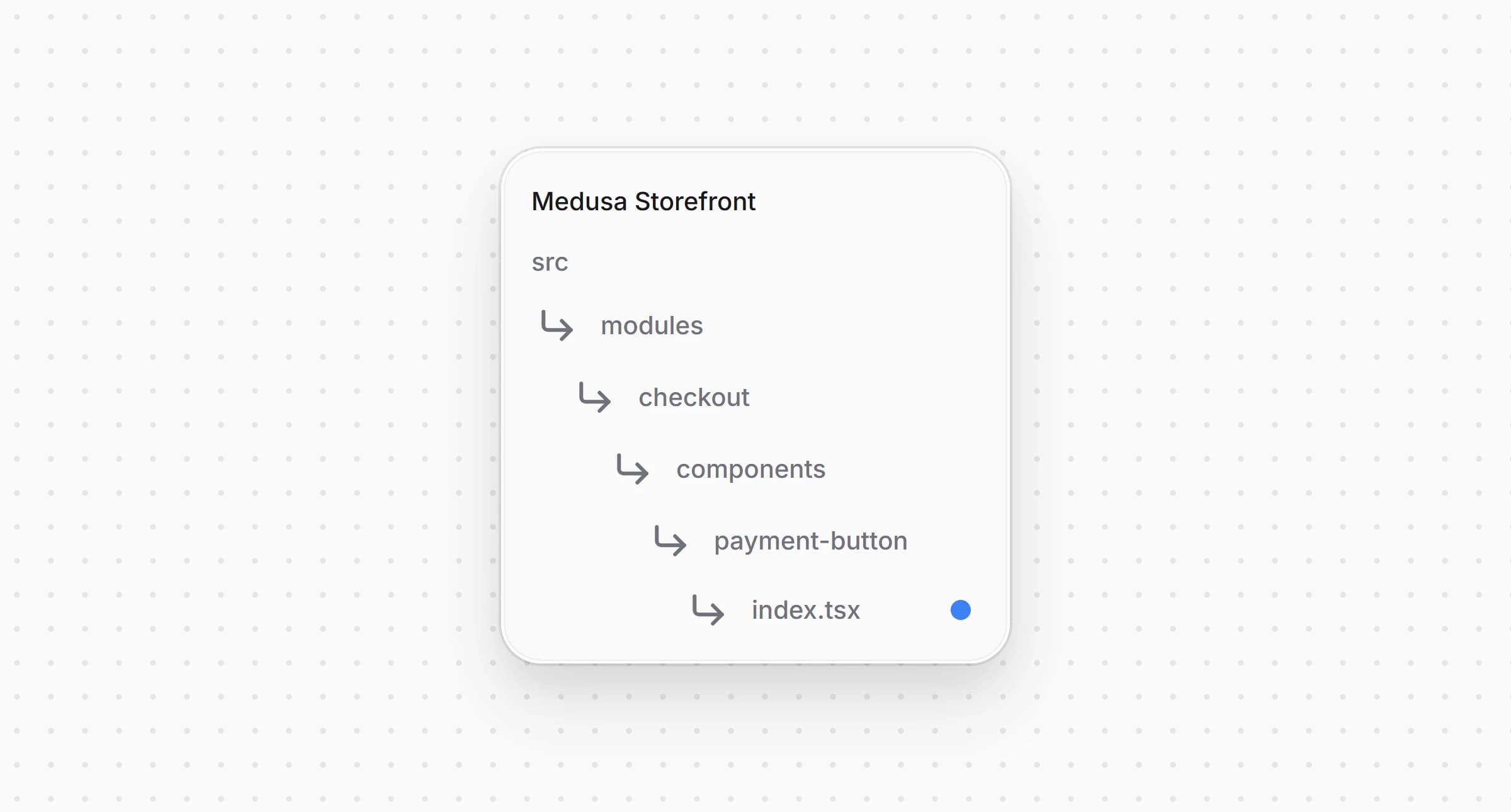
src/modules/checkout/components/payment-button/index.tsx1// ...2 switch (true) {3 case isStripeLike(activePaymentMethod):4 return (5 <StripePaymentButton {...providerProps} providerId={activePaymentMethod} />6 )7 // ...8 }
Диспетчер уже выбирает кнопку Stripe для провайдеров, подходящих под . Теперь кнопка получает и id провайдера.
Ряд экспресс-оплаты показывает Apple Pay, Google Pay и Link над формой оформления заказа через Express Checkout Element от Stripe. Ряд и его реестр входят в стартер и описаны в разделе Настройка экспресс-оплаты.
Создайте и добавьте следующий код:
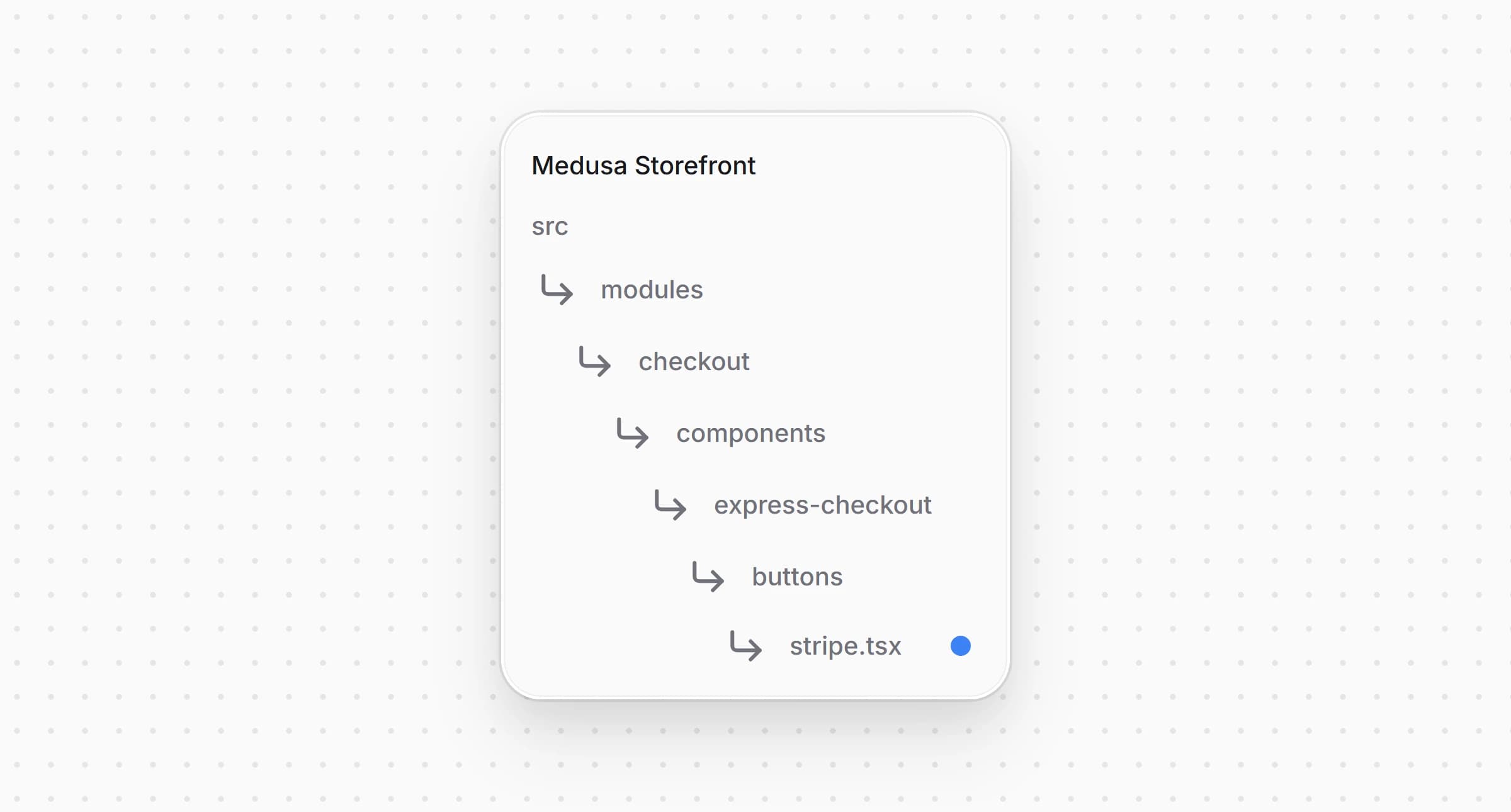
src/modules/checkout/components/express-checkout/buttons/stripe.tsx46}4748function StripeWalletButton({49 cart,50 providerId,51 shippingOptionId,52 onUnavailable,53 onError,54 onBusy,55 placeOrder,56 onClosed,57}: ExpressButtonProps) {58 const t = useTranslations("CheckoutPage")59 const locale = useLocale()60 const stripe = useStripe()61 const elements = useElements()62 const currency = cart.currency_code63 // what the wallet sheet shows, the quoted shipping and the total the customer approves64 const rateRef = useRef<ShippingRate | null>(null)65 const shownTotalRef = useRef<number | undefined>(undefined)6667 const currentShipping = cart.shipping_methods?.at(-1)68 const initialRate: ShippingRate = {69 id: currentShipping?.shipping_option_id ?? "shipping",70 displayName: currentShipping?.name ?? t("shippingCost"),71 amount: toStripeAmount(currentShipping?.amount ?? 0, currency),72 }7374 const fail = (75 event: StripeExpressCheckoutElementConfirmEvent,76 error: Parameters<ExpressButtonProps["onError"]>[0]77 ) => {78 event.paymentFailed({ reason: "fail" })79 onError(error)80 onBusy(false)81 onClosed()82 }8384 const handleShippingAddressChange = async (85 event: StripeExpressCheckoutElementShippingAddressChangeEvent86 ) => {87 try {88 // the wallet shares only the city, region, postal code and country before payment89 const quote = await quoteExpressShipping(90 {91 country_code: event.address.country,92 province: event.address.state,93 city: event.address.city,94 postal_code: event.address.postal_code,95 },96 rateRef.current?.id ?? shippingOptionId97 )98 if (!quote.ok) {99 return event.reject()100 }101 rateRef.current = {102 id: quote.shipping_option_id,103 displayName: quote.shipping_option_name,104 amount: toStripeAmount(quote.shipping_total, quote.currency_code),105 }106 shownTotalRef.current = quote.total107 elements?.update({ amount: toStripeAmount(quote.total, quote.currency_code) })108 event.resolve({ shippingRates: [rateRef.current] })109 } catch {110 event.reject()111 }112 }113114 const handleConfirm = async (event: StripeExpressCheckoutElementConfirmEvent) => {115 if (!stripe || !elements) {116 return fail(event, { code: "failed" })117 }118 onBusy(true)119120 const { error: formError } = await elements.submit()121 if (formError) {122 return fail(event, { code: "failed", cause: formError })123 }124125 try {126 const address = event.shippingAddress?.address127 // the full address arrives only now, after the customer approved the payment128 const saved = await saveExpressContact(129 {130 email: event.billingDetails?.email,131 phone: event.billingDetails?.phone,132 shipping_address: address133 ? {134 ...splitName(event.shippingAddress?.name),135 address_1: address.line1,136 address_2: address.line2,137 city: address.city,138 province: address.state,139 postal_code: address.postal_code,140 country_code: address.country,141 }142 : null,143 },144 rateRef.current?.id ?? shippingOptionId,145 shownTotalRef.current146 )147 if (!saved.ok) {148 // no PaymentIntent exists yet, so nothing was charged149 return fail(150 event,151 saved.reason === "totalChanged"152 ? { code: "totalChanged", total: saved.total, currency_code: saved.currency_code }153 : { code: saved.reason }154 )155 }156157 // the wallet sends its delivery address with the confirmation, so the provider sets none158 const session = await startExpressPayment(providerId, { express: true })159 const clientSecret = session.client_secret160 if (typeof clientSecret !== "string") {161 return fail(event, { code: "failed" })162 }163164 const { error, paymentIntent } = await stripe.confirmPayment({165 elements,166 clientSecret,167 confirmParams: {168 return_url: `${window.location.origin}/api/payment-return?cart_id=${cart.id}&locale=${locale}`,169 },170 redirect: "if_required",171 })172 const status = error ? error.payment_intent?.status : paymentIntent.status173 if (!isPaymentSettled(status)) {174 onError({ code: "failed", cause: error })175 onBusy(false)176 onClosed()177 return178 }179 await placeOrder()180 } catch (err) {181 if (isNavigation(err)) return182 onError({ code: "failed", cause: err })183 onBusy(false)184 onClosed()185 }186 }187188 return (189 // `isolate` keeps the wallet iframes under the checkout modals190 <div className="isolate">191 <ExpressCheckoutElement192 options={{193 emailRequired: true,194 phoneNumberRequired: true,195 shippingAddressRequired: true,196 allowedShippingCountries: (cart.region?.countries ?? [])197 .map((country) => country.iso_2?.toUpperCase())198 .filter((code): code is string => Boolean(code)),199 // PayPal has its own plugin, and Klarna and Amazon Pay need the pre-authorized200 // amount to match the final one201 paymentMethods: {202 applePay: "auto",203 googlePay: "auto",204 link: "auto",205 paypal: "never",206 klarna: "never",207 amazonPay: "never",208 },209 buttonHeight: 48,210 layout: { maxColumns: 3, overflow: "never" },211 }}212 onReady={({ availablePaymentMethods }) => {213 if (!availablePaymentMethods) onUnavailable()214 }}215 onLoadError={() => onUnavailable()}216 onClick={(event) => {217 // resolved within Stripe's one second, so nothing here waits on the server218 onError(null)219 rateRef.current = null220 shownTotalRef.current = undefined221 event.resolve({ shippingRates: [initialRate] })222 }}223 onShippingAddressChange={handleShippingAddressChange}224 onShippingRateChange={(event) => event.resolve()}225 onConfirm={handleConfirm}226 onCancel={() => {227 onBusy(false)228 onClosed()229 }}230 />231 </div>232 )233}234235/** Tells the row there is no Stripe button where the checkout is not inside the Stripe Elements. */236function Unavailable({ onMount }: { onMount: () => void }) {237 useEffect(onMount, [onMount])238 return null239}240241/**242 * Apple Pay, Google Pay and Link in the express checkout row. The customer picks the address243 * in the wallet, the row answers with the shipping and the new total, and the PaymentIntent is244 * created and confirmed once they approve.245 */246export default function StripeExpressButton(props: ExpressButtonProps) {247 const insideElements = useContext(StripeContext)248 if (!insideElements) {249 return <Unavailable onMount={props.onUnavailable} />250 }251 return <StripeWalletButton {...props} />252}
Кнопка отвечает на события кошелька функциями из :
Кошельки появляются только на домене, зарегистрированном в Stripe, как описано в разделе Регистрация доменов для кошельков. Если в регионе корзины нет Stripe, у оформления заказа нет Elements, и кнопка сообщает ряду, что недоступна.
Откройте и добавьте кнопку в реестр:
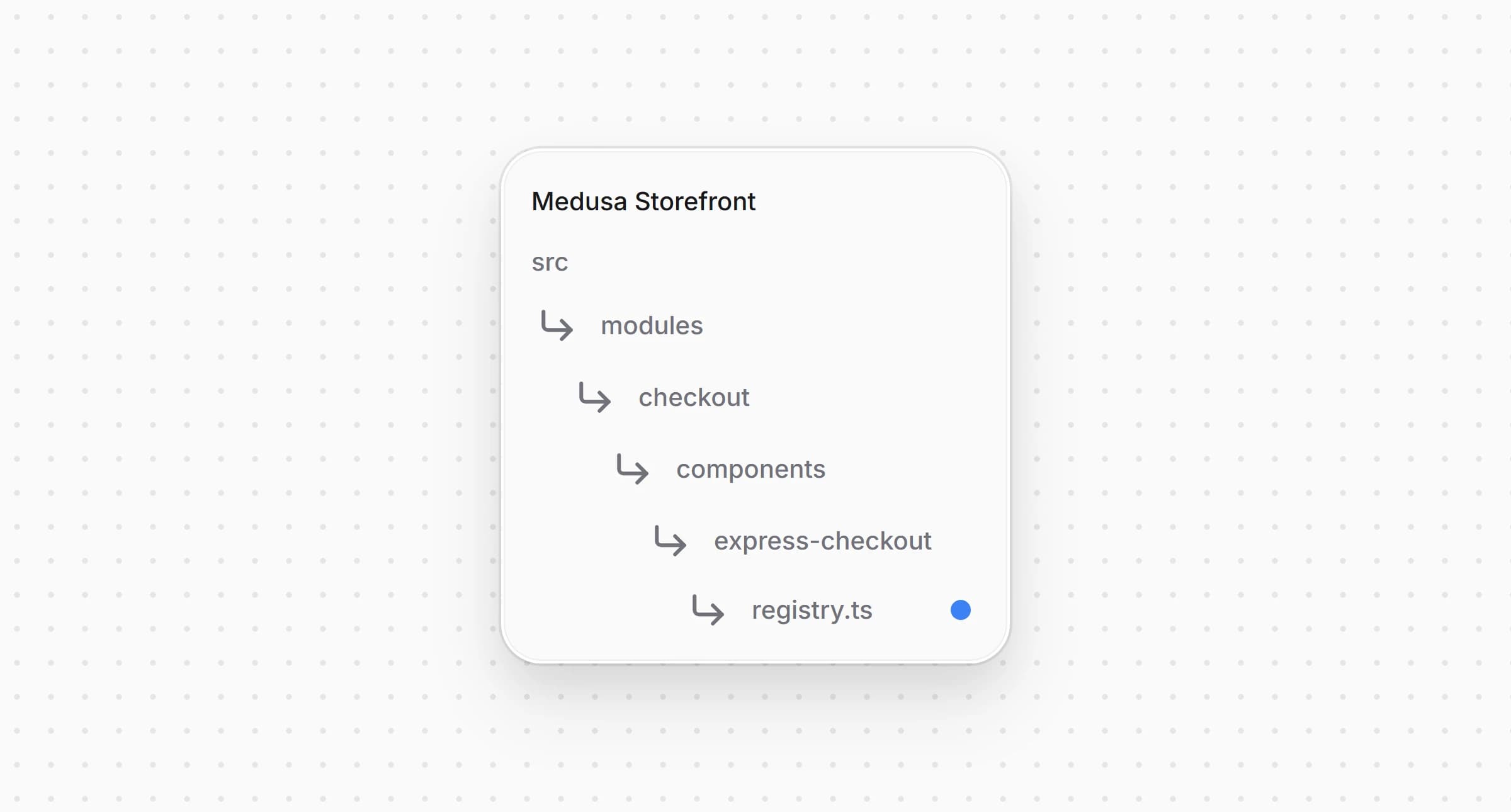
src/modules/checkout/components/express-checkout/registry.ts1import StripeExpressButton from "./buttons/stripe"23// ...45export const expressButtons: {6 match: (providerId: string) => boolean7 Component: ComponentType<ExpressButtonProps>8}[] = [9 { match: (providerId) => Boolean(isStripeLike(providerId)), Component: StripeExpressButton },10]
Ряд показывает кнопку, когда в регионе корзины есть провайдер, подходящий под .
Измените в и в каждой другой локали под :
messages/ru.json1{2 "PaymentMethods": {3 // ...4 "pp_stripe_stripe": {5 "title": "Stripe",6 "subtitle": "Карты, кошельки"7 }8 }9}
Если для локали нет записи, используются английские и из в Шаге 2.
Полный код витрины находится в , собранной на основе Medusa DTC Starter от Gorgo. В README примера перечислены все файлы, из которых состоит интеграция, включая бэкенд.